Web Video Wall
Create Web Video Wall
- Whether you are setting up a Web or App Video Wall, the configuration process is identical. Here's how you can create your very own Web Video Wall.
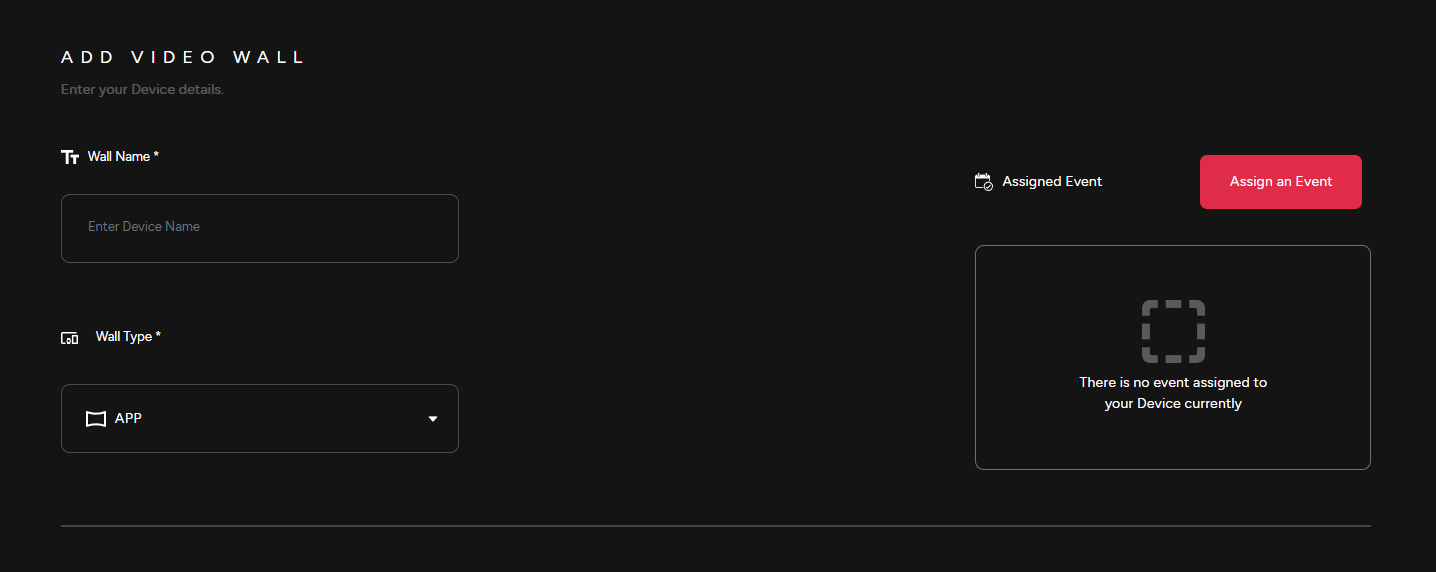
1) Provide a Wall Name, select the Wall Type & then Assign video wall to an event.
Launch
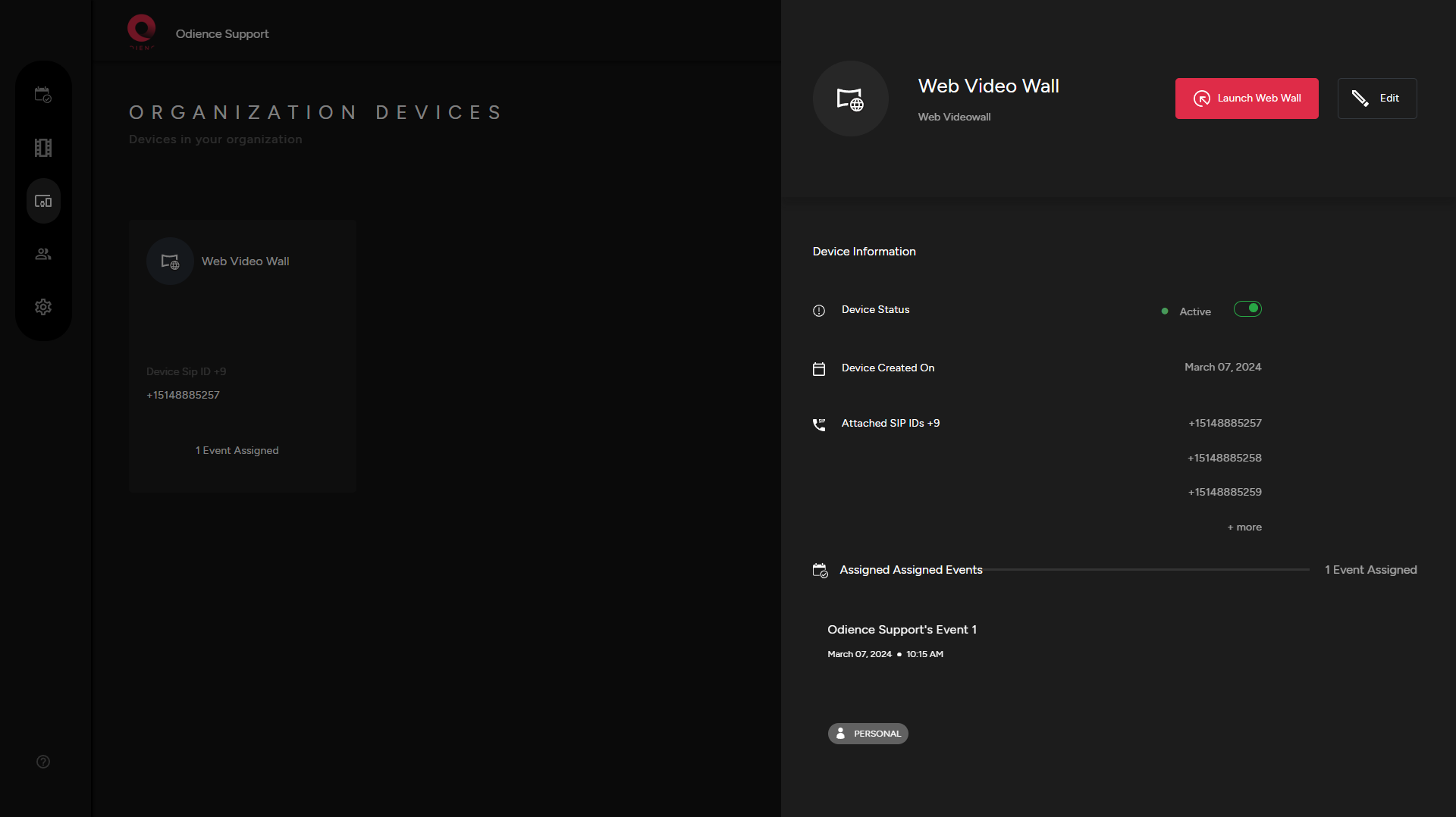
2) After creating your Video Wall, click on your newly created device & launch Web Video Wall.
Customize
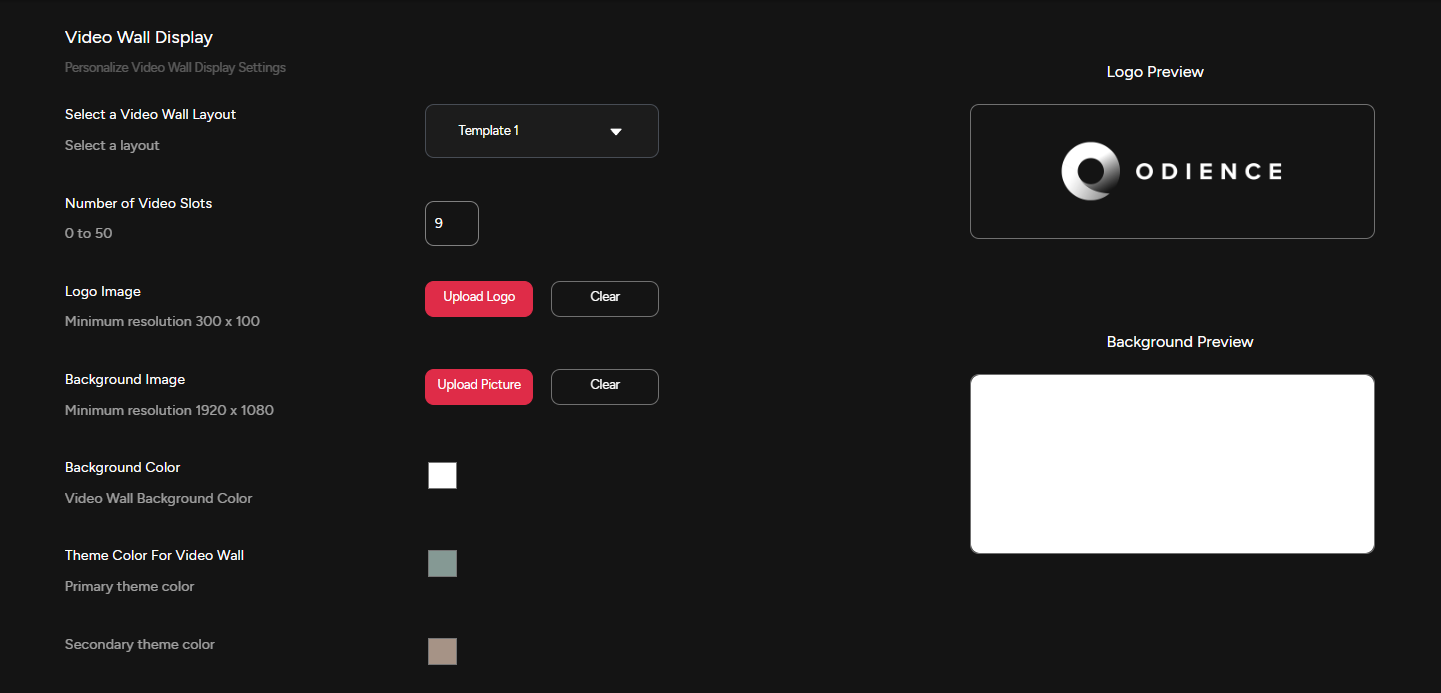
2) Customize Video Wall display settings to fit your style.
3) Personalize Stream Message Settings.
4) Personalize Poll Bot Display Settings.
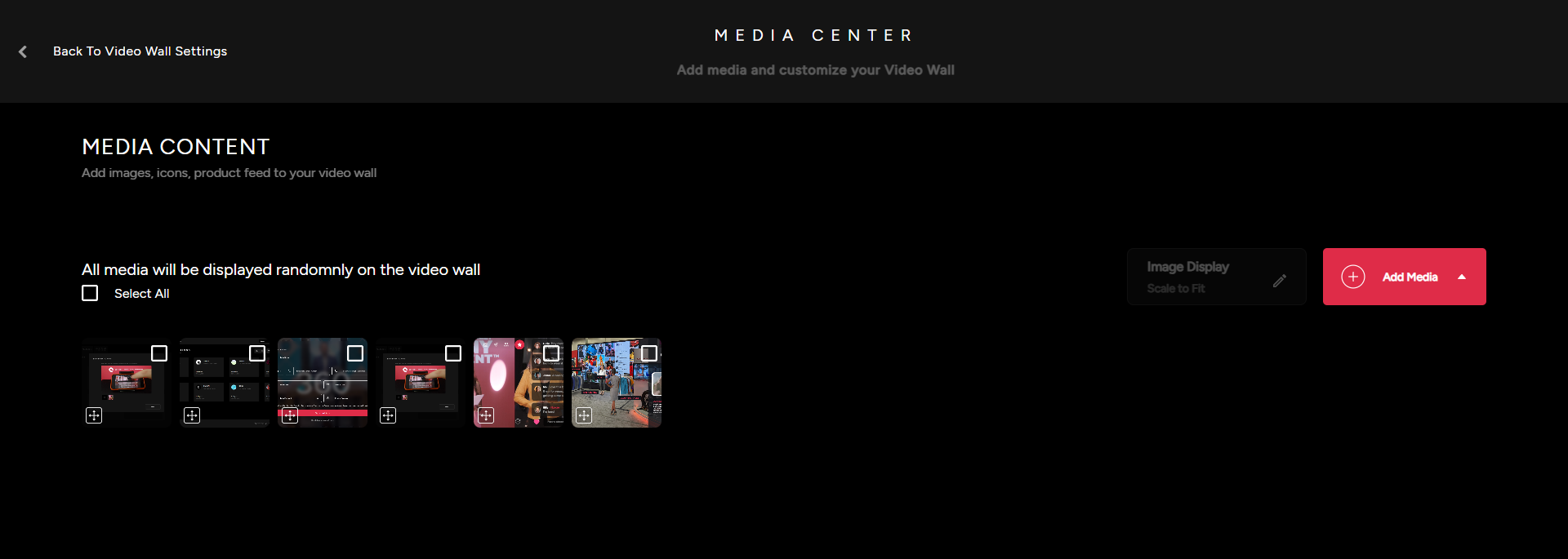
Media Content
5) Customize & manage the content the that will appear on the Video Wall. Upload images, videos, import items from Event Product Feed or add icons from our icon packs.