
Onboarding
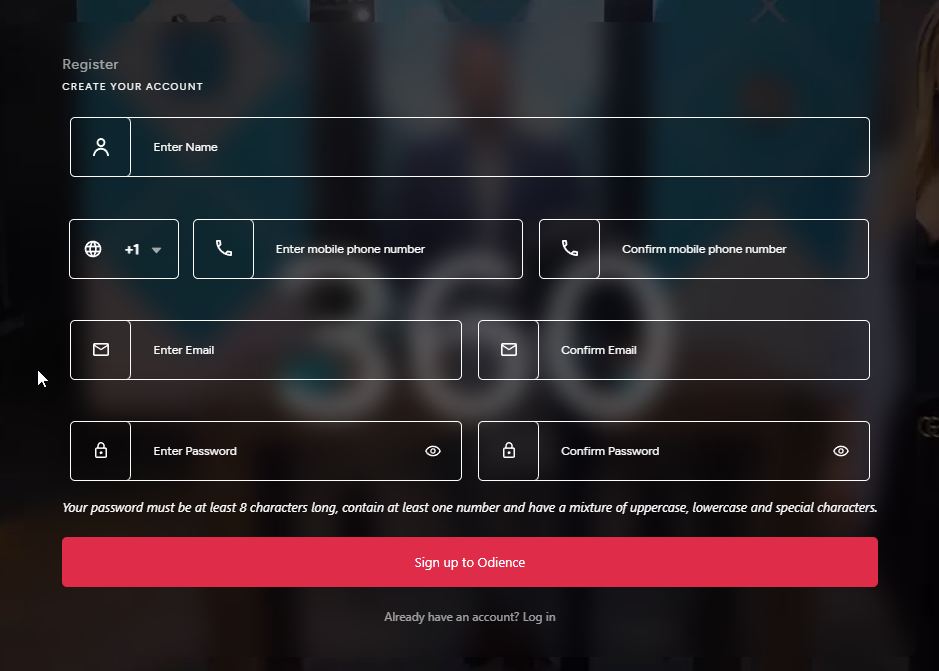
Any steps below with a asterisk "*" indicates that it is required field.
- Enter your name*
- Select which country code your phone number is registered*
- Enter your mobile phone number & confirm phone number*
- Enter email & confirm email address
- Enter a password - must be at least 8 characters long, contain at least one number and have a mixture of uppercase, lowercase and special characters. Then confirm password.
- Click "Sign up to Odience"