
Chatbot Directory
Organization Chatbot Directory
The organization directory is a list of all your organizations chatbots. If there is a chatbot you would like to reuse/repurpose, here is how youYou can doreuse that.or repurpose any previous chatbots that were created.
1. Select Organization Directory in your quick start options. Or you can select Add Chatbot in the Micro Services drop down, then select “Organization Directory”.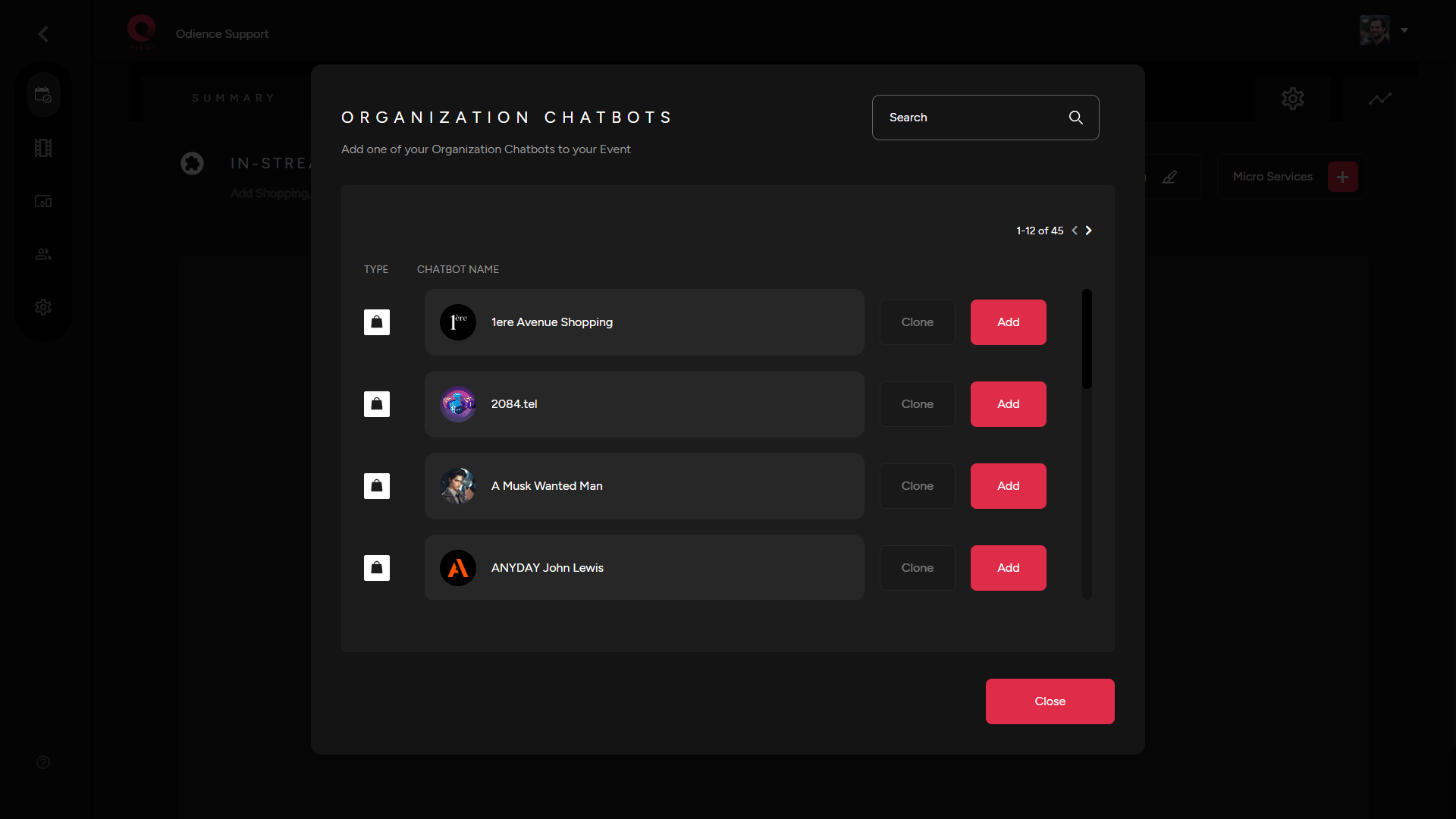
2. Add a chatbot to your event from the list of chatbots within your organization.
3. Once you’ve added the chatbot, it will automatically apply to your event.
4. The chatbot will apply and you are free to make any changes from that point if need be.
5. If you wish to clone that chatbot instead, select “Clone” and your chatbot will automatically be applied to your event.