App Video Wall
Create Video Wall
- Whether you are setting up a Web or App Video Wall, the configuration process is identical. Here's how you can have your very own video wall.
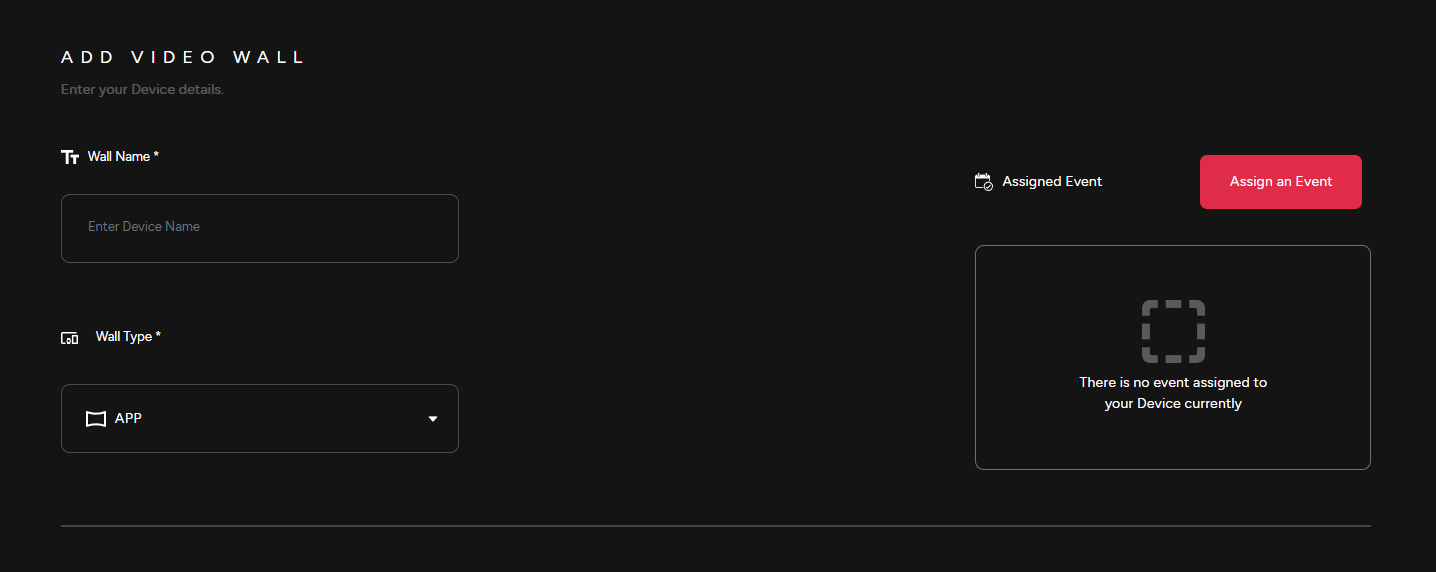
1) Provide a Wall Name, select the Wall Type & then Assign it to an event.
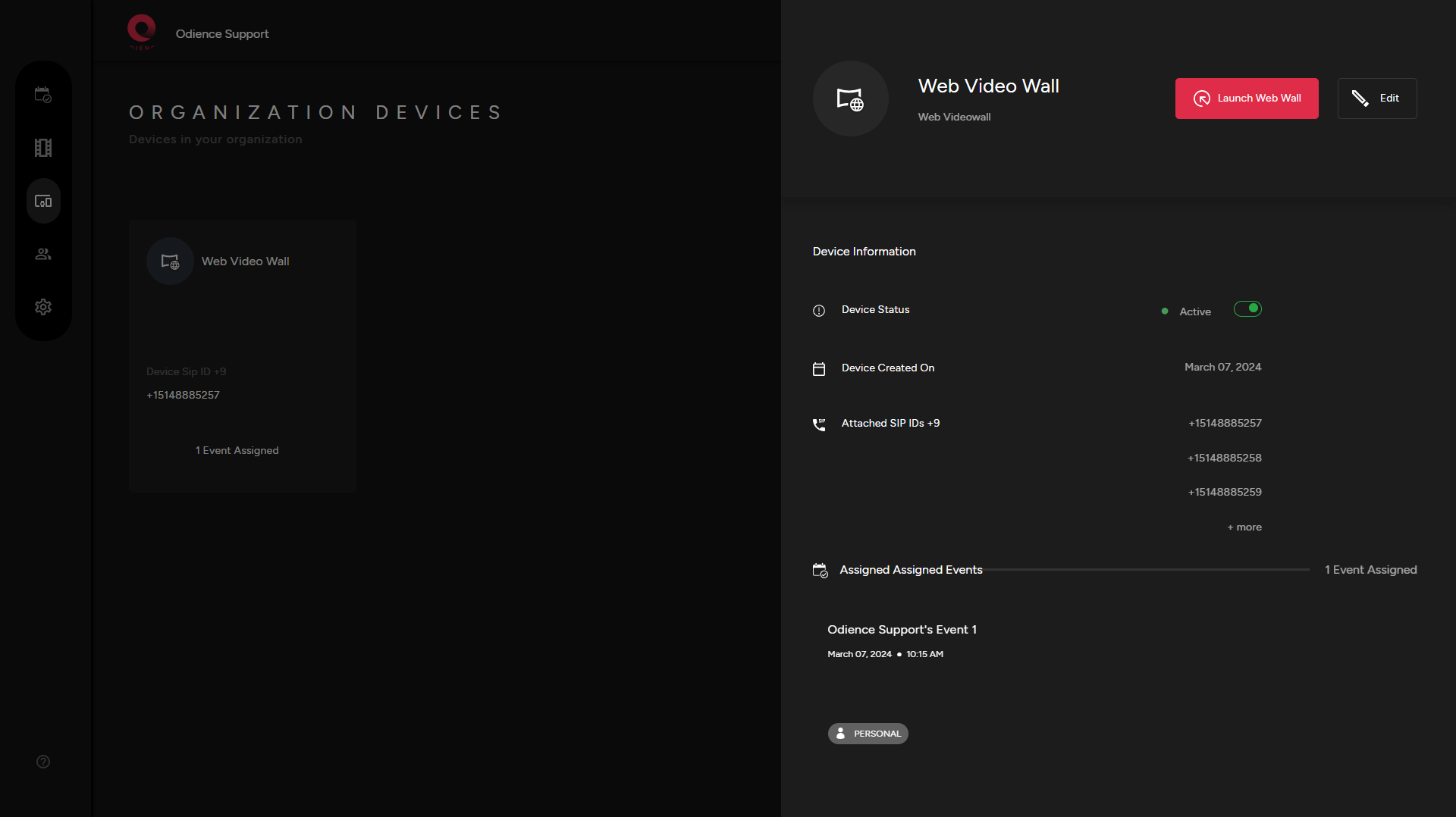
Launch
2) Launch Video Wall
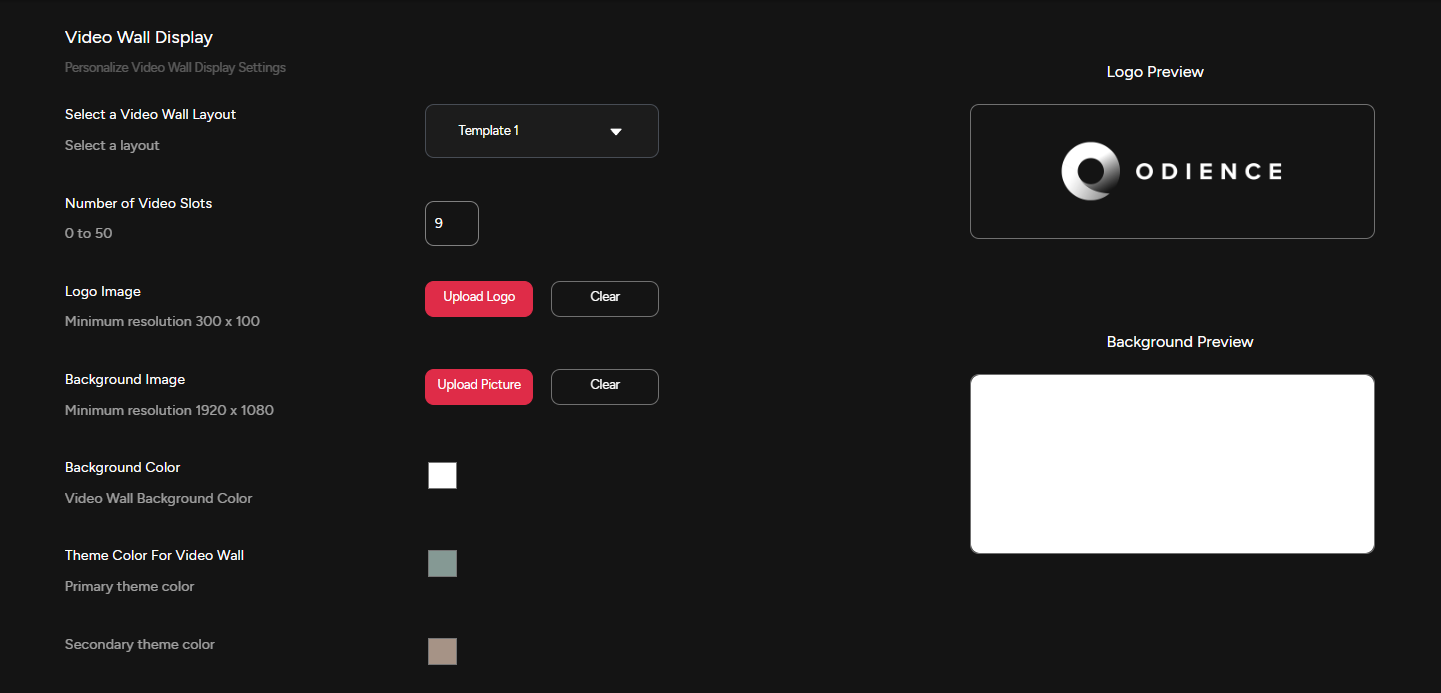
Customize
2)3) Customize Video Wall display settings to fit your style.
3)4) PersonalizeIf Stream MessageChat Settingsis included, personalize stream message settings to fit your style.
4)5) If Poll Bot is included, Personalizepersonalize Poll Bot Display Settings
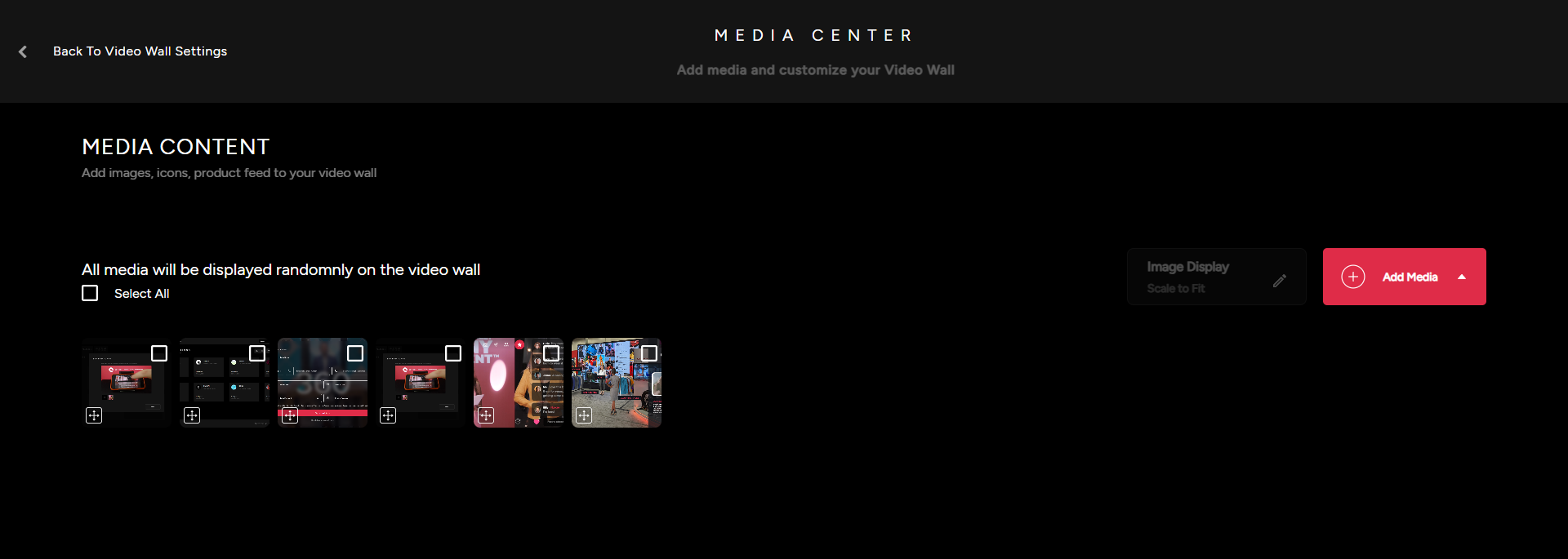
Media Content
5) Personalize and manage the content the that will appear on the Video Wall. Upload images, videos, import items from Event Product Feed or add icons from our Icon Packs. (Add screenshot of content)