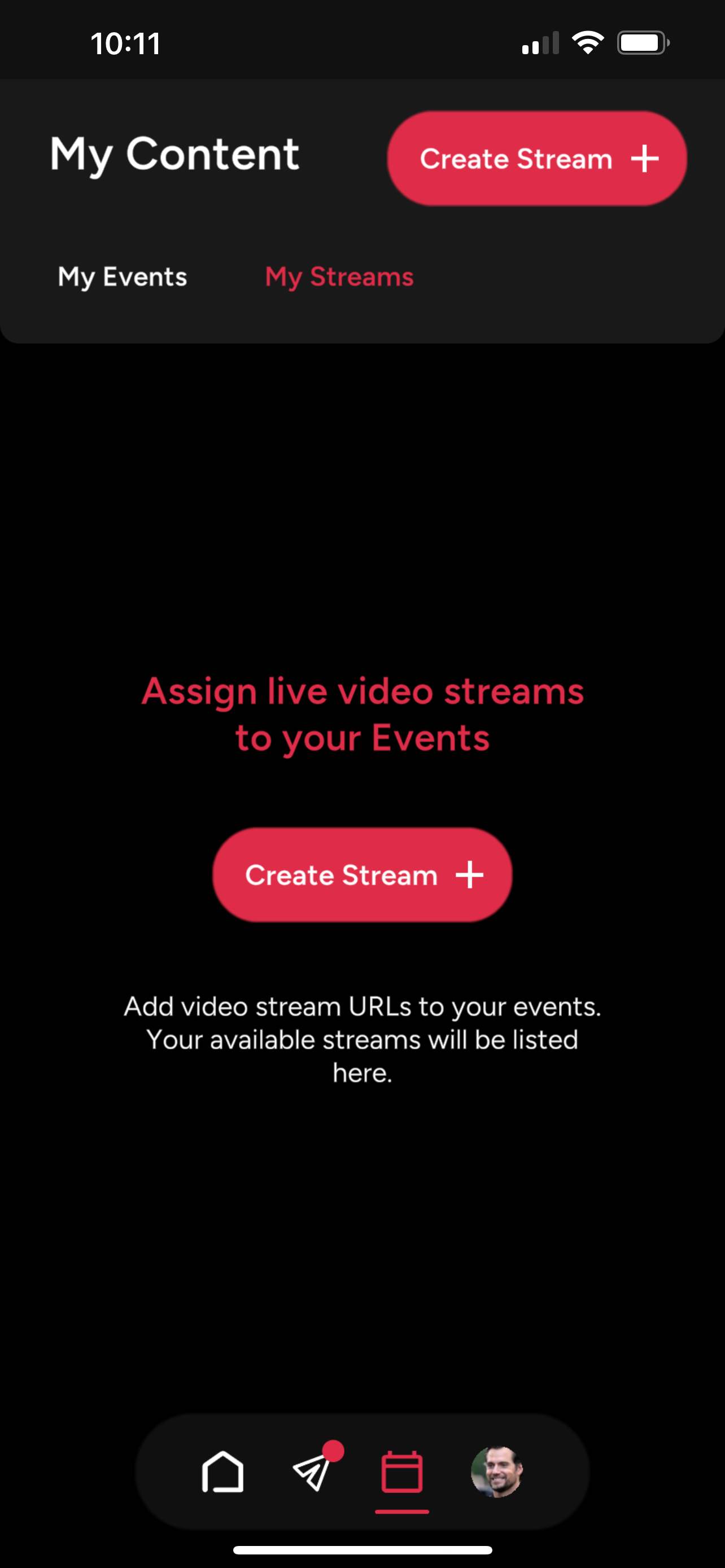
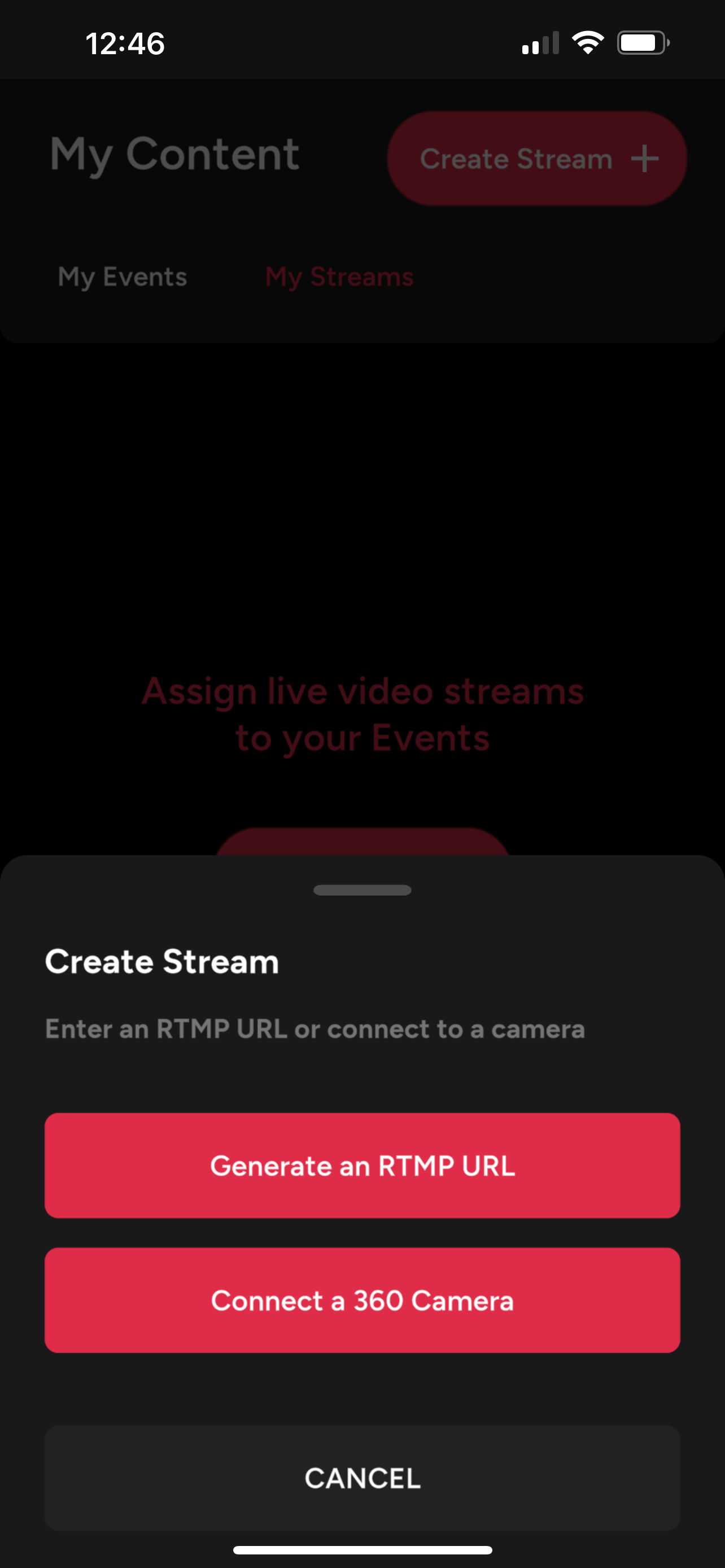
Connect a 360 Camera
Note: Only select cameras are currently supported through Bluetooth pairing. For all other cameras, see our Generate RTMP URL section.
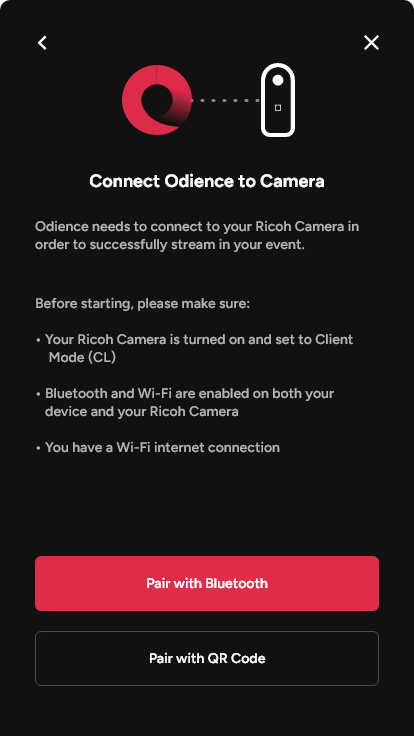
Pair with Bluetooth
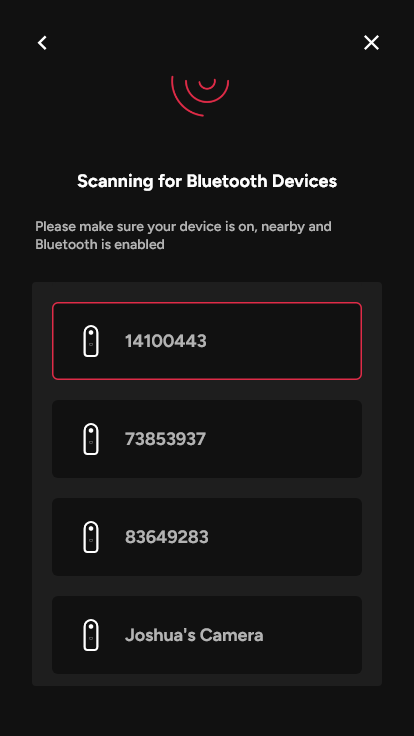
1. Connect Odience to your 360 camera by pairing with Bluetooth.
2. Select your camera from the list of available devices then follow the on-screen instructions to continue the pairing process.
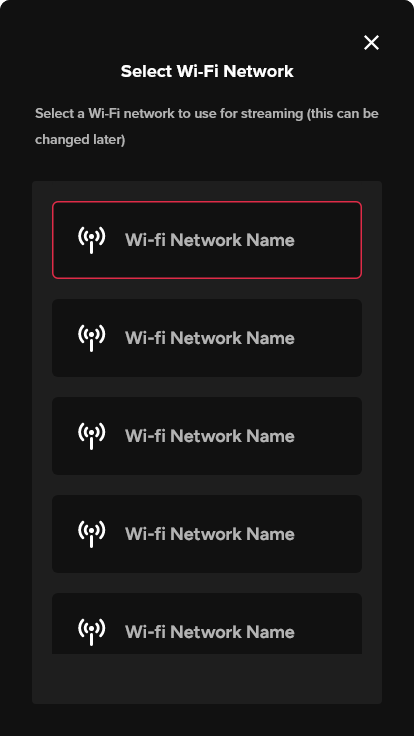
3. Your camera will need a hotspot to stream. Select a WiFi network and follow the steps to finalize.
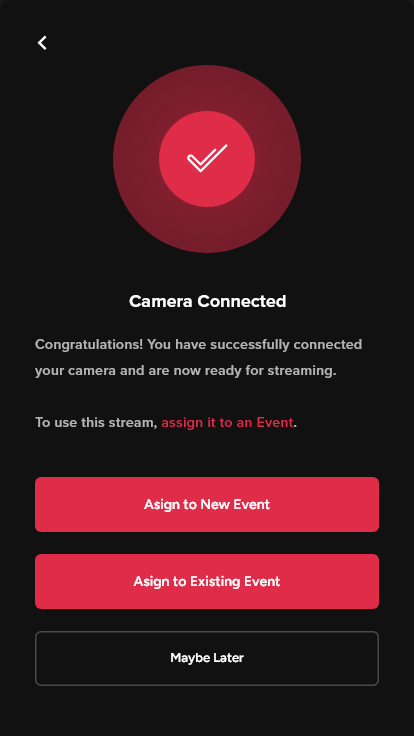
4. Just like that, you have successfully connected your camera.
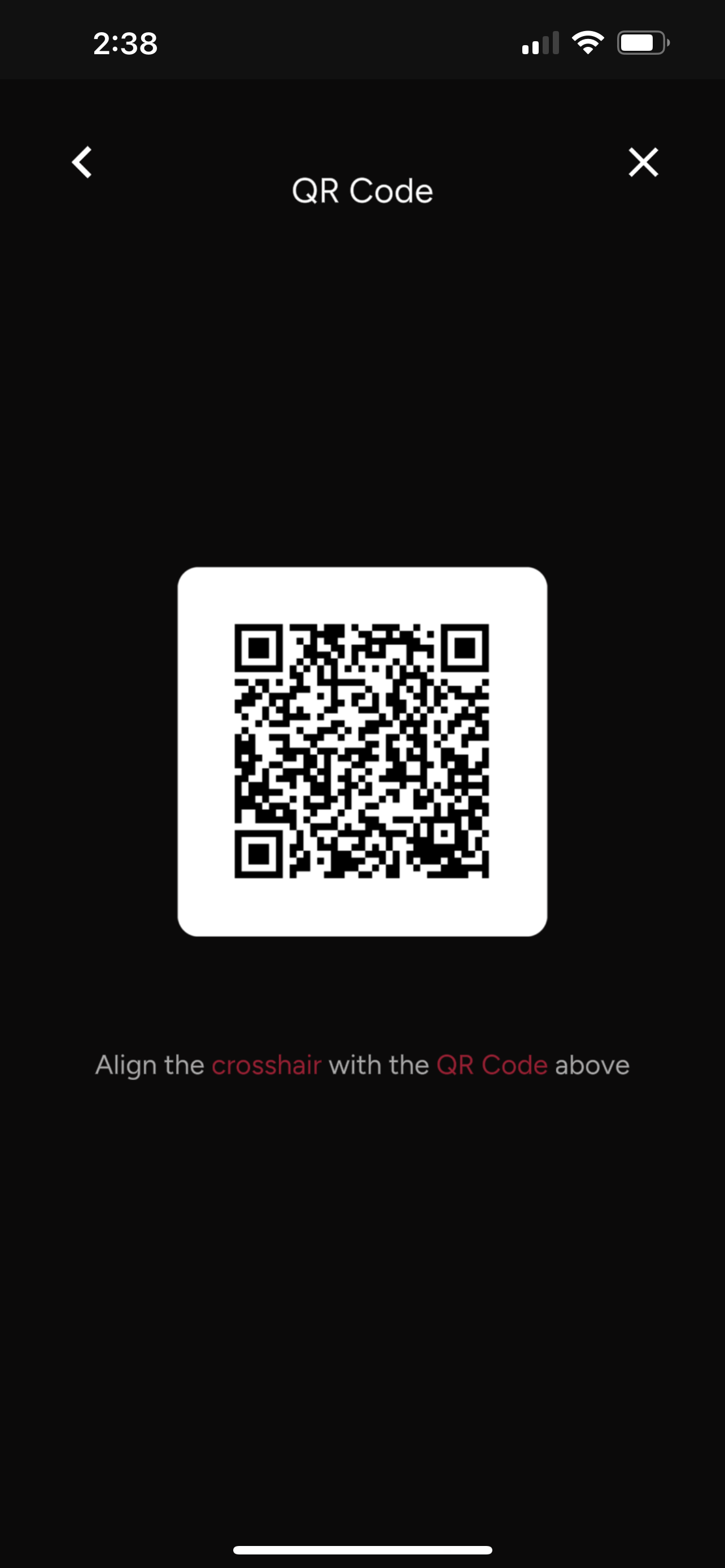
Pair with QR code
- If you already have the Odience plugin installed on your Ricoh X, you can pair via QR code. If not you'll need to Pair with Bluetooth.