
Create RTMP Stream
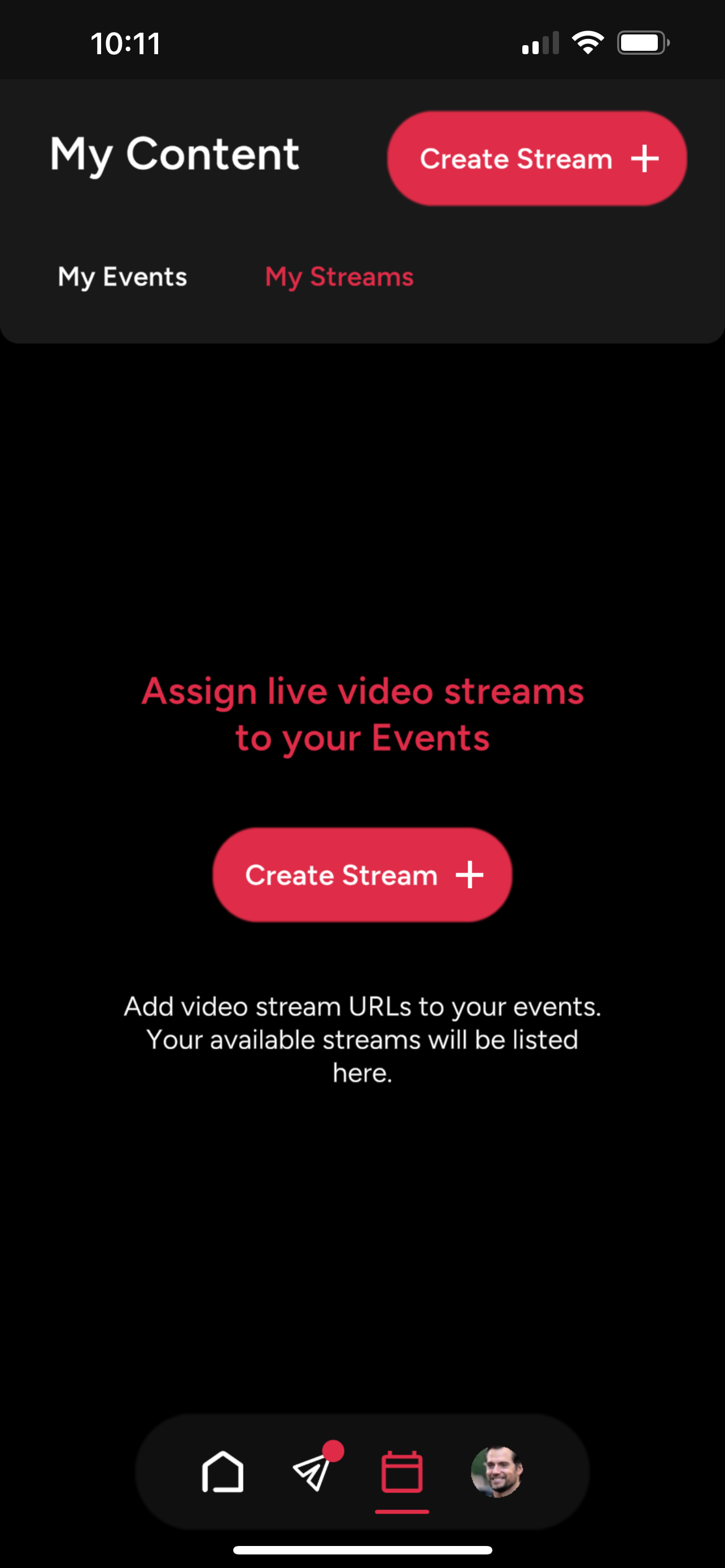
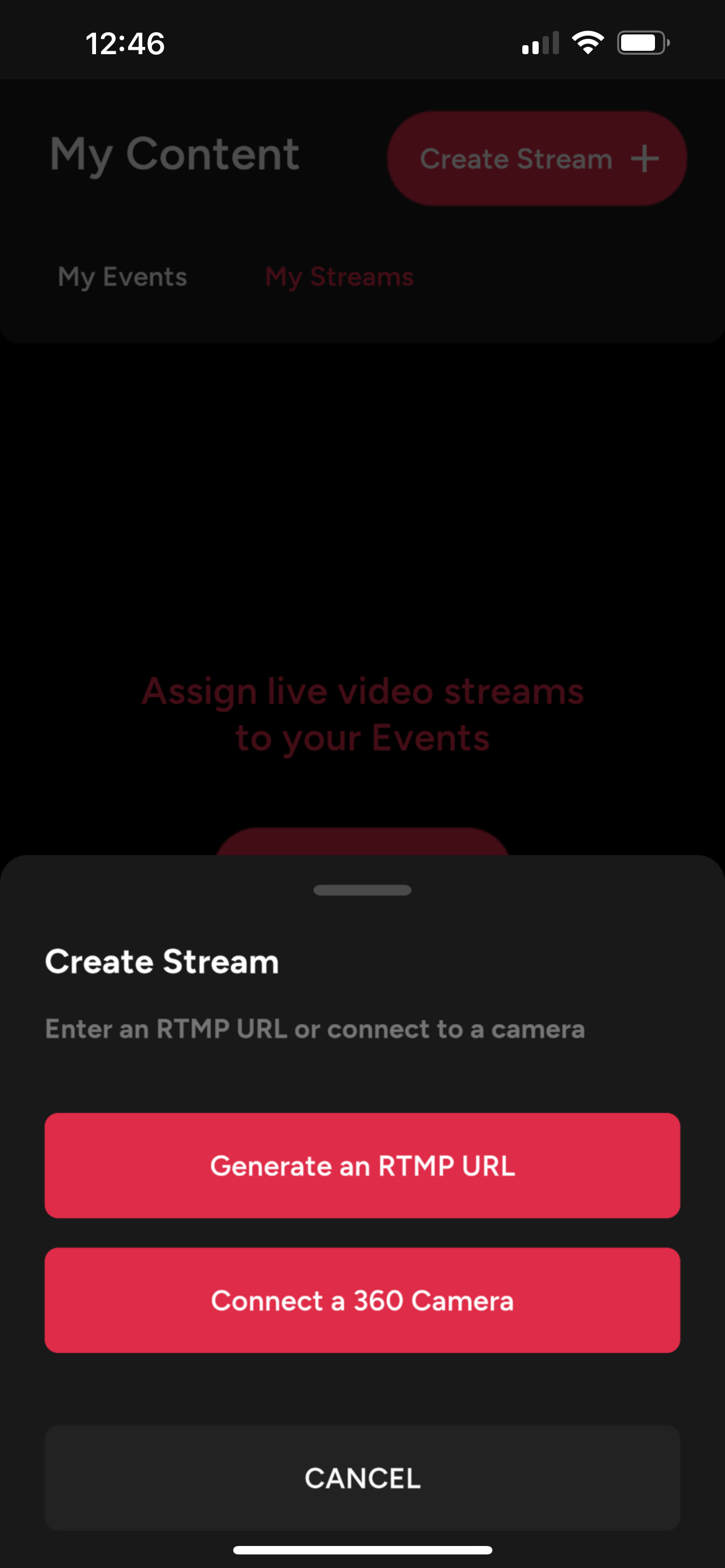
Generate RTMP URL
1. Generate a RTMP URL by giving your stream a Name and selecting a Preset.
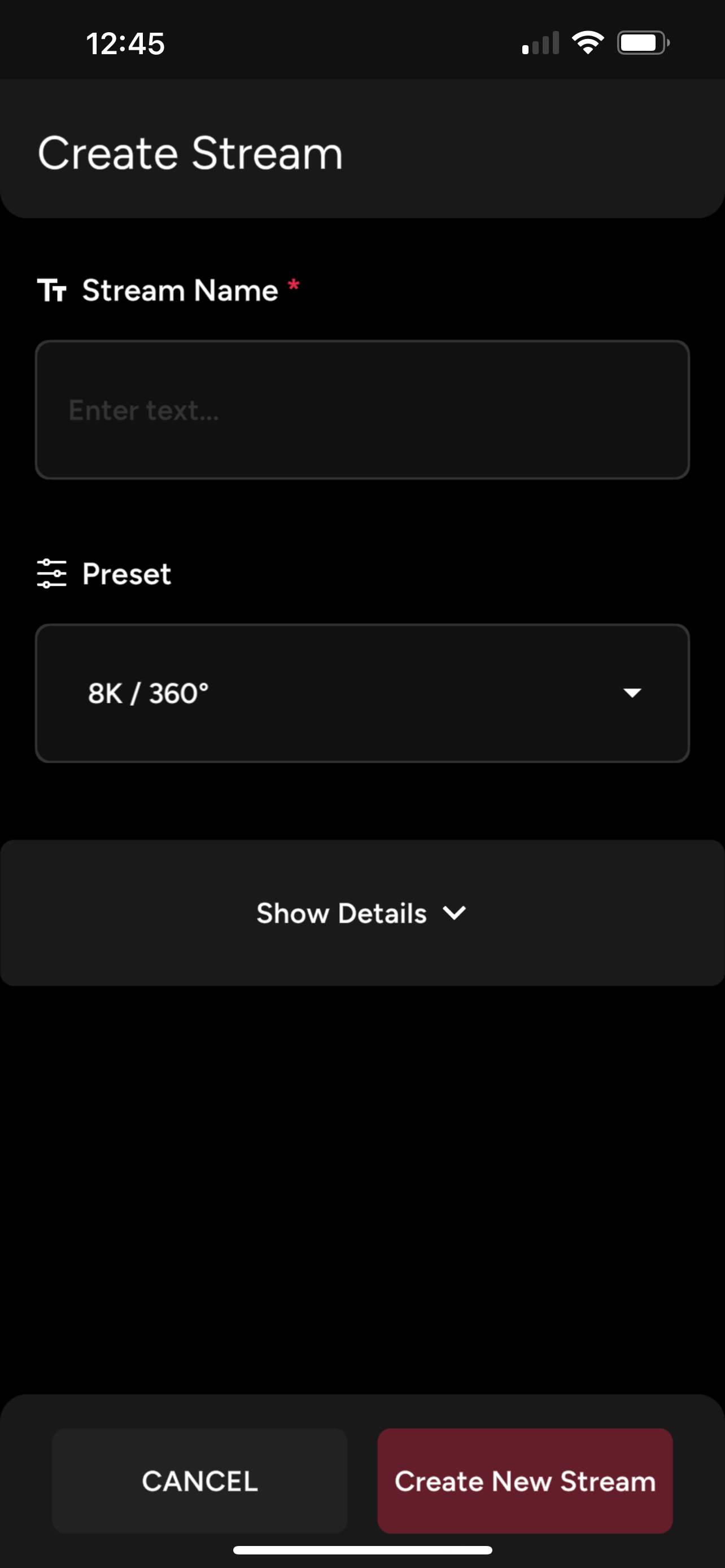
2. For more advanced users, press Show Details to adjust settings such as resolution, video format and stream type.
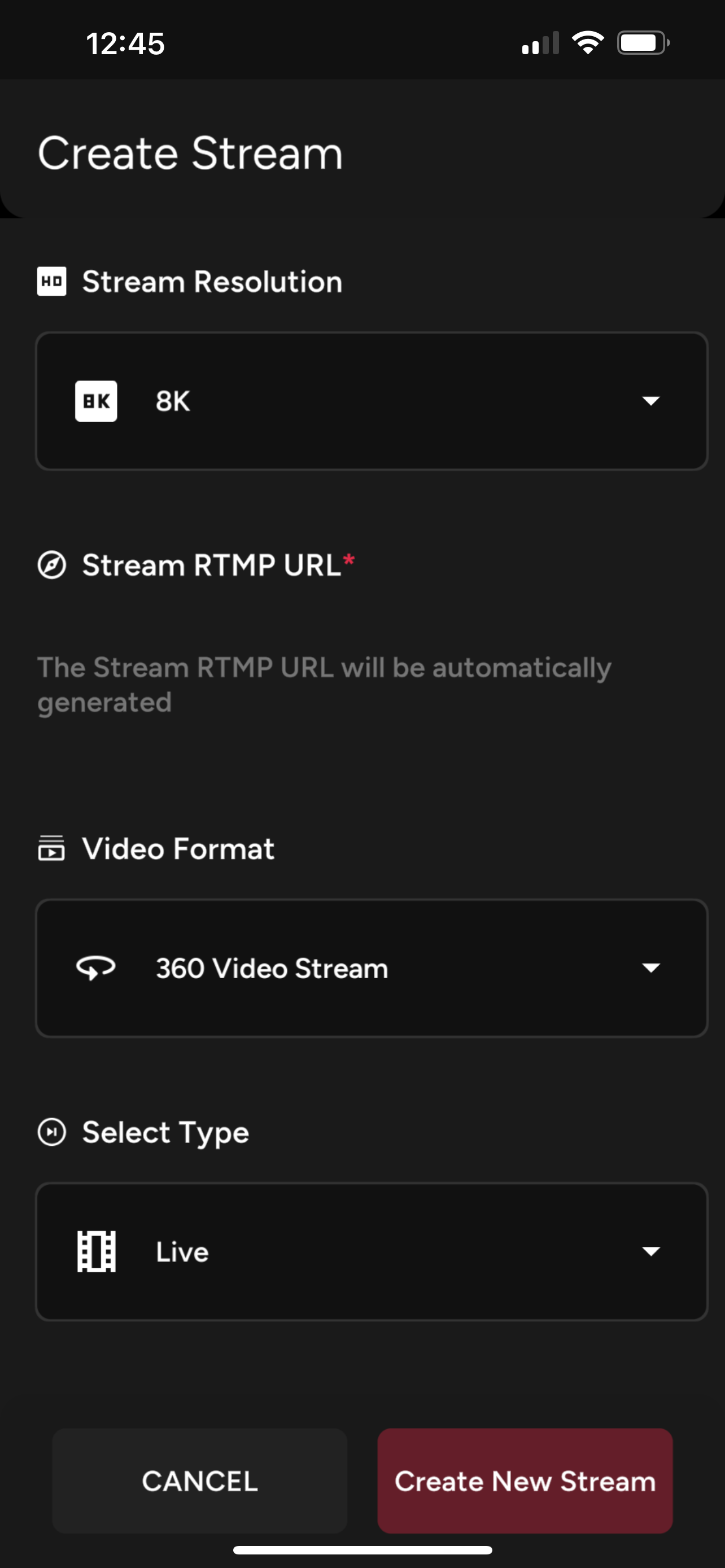
3. Press "Create New Stream" to confirm. Once the stream is created, the RTMP URL will be automatically generated. If you need to paste this RTMP URL on your streaming device, simply open the Stream details to copy it.
Connect a 360 Camera
1. See our guide on how to Connect a 360 Camera.