Create Account
Install
1. Install the Odience app
- Apple App Store: https://apps.apple.com/ca/app/odience/id1512281957
- Google Play Store: https://play.google.com/store/apps/details?id=com.summit.odience.client&hl=en_CA&gl=US&pli=1
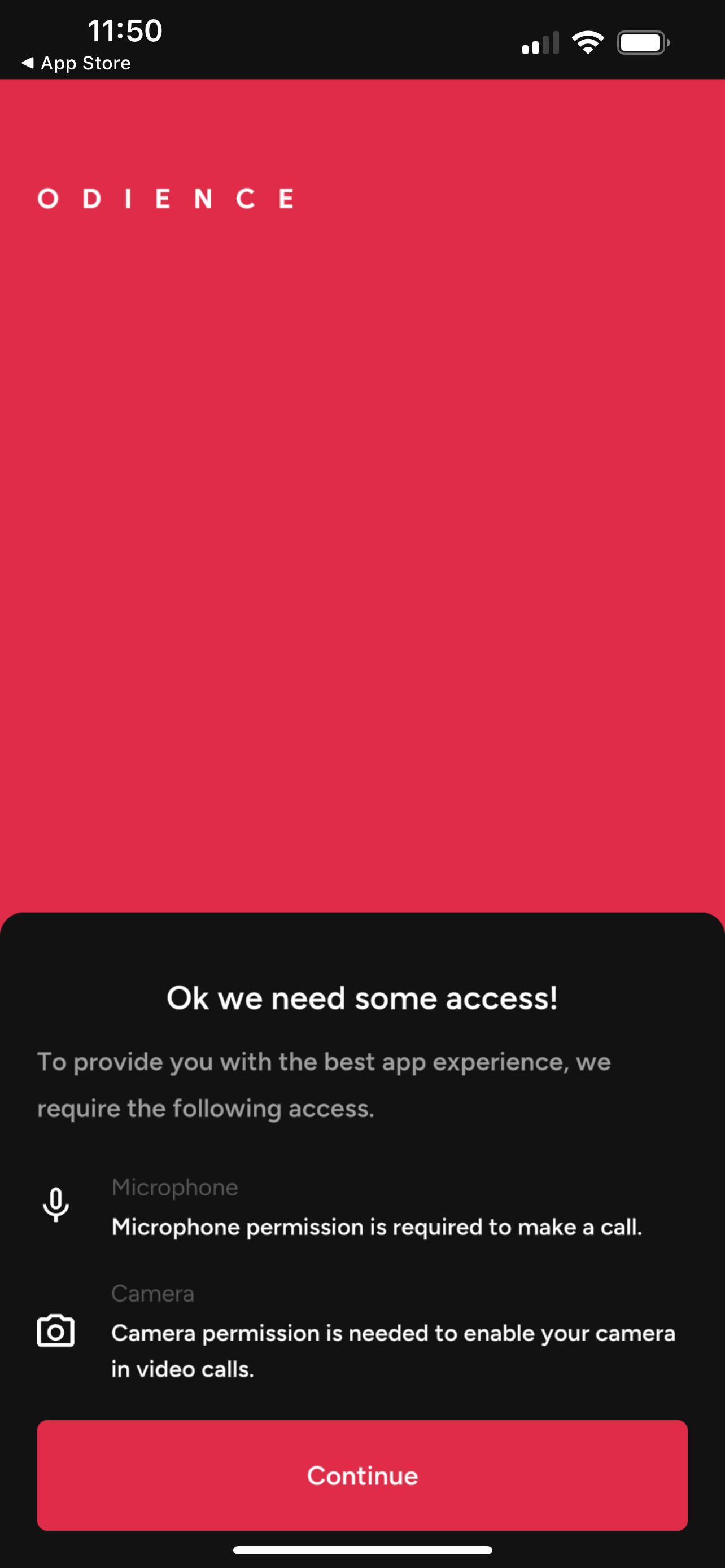
Device Permissions
2. To enable functionality, allow the app to access your device camera and microphone. During the event you'll have the option to video call other participants and even appear on the event Video Wall.
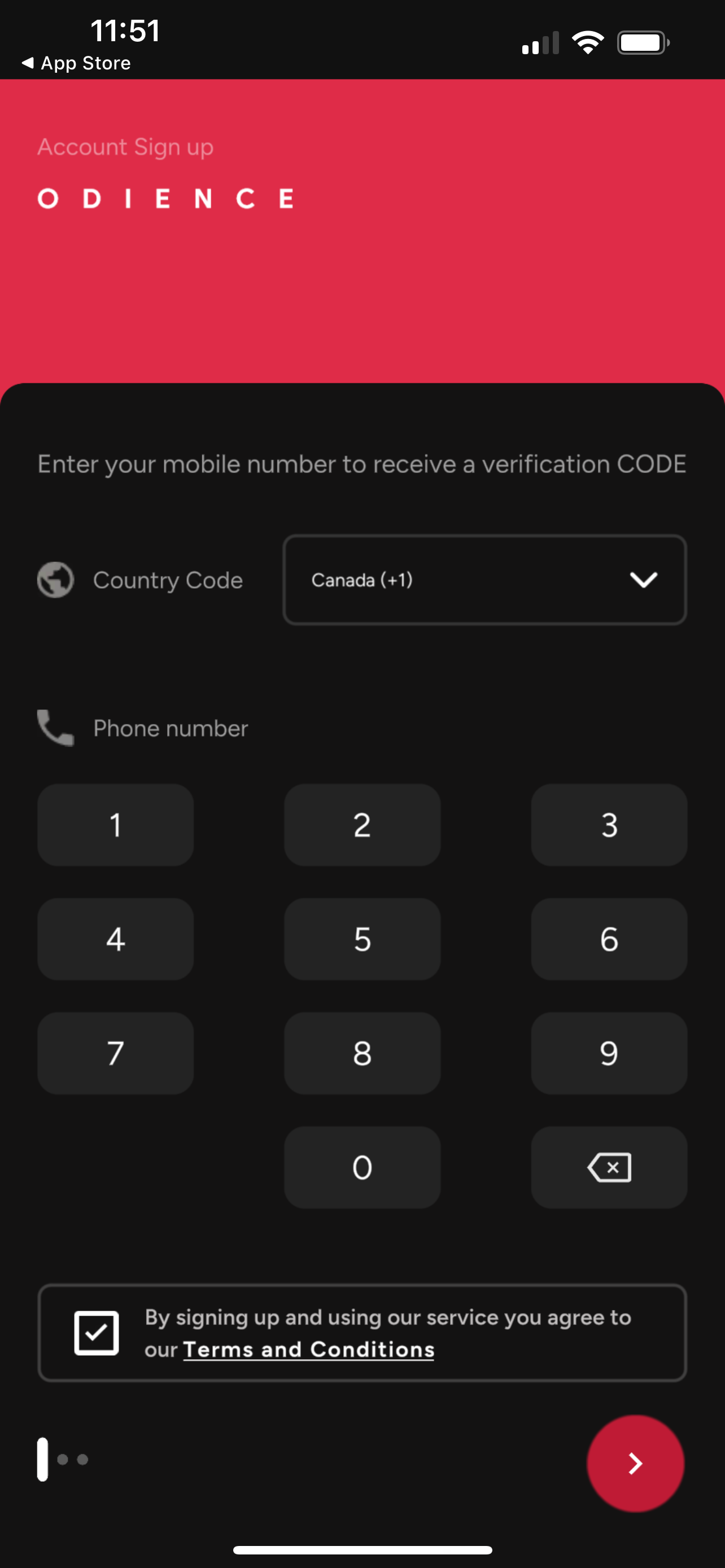
Mobile Number
3. Enter phone number to receive your verification code and create your account.
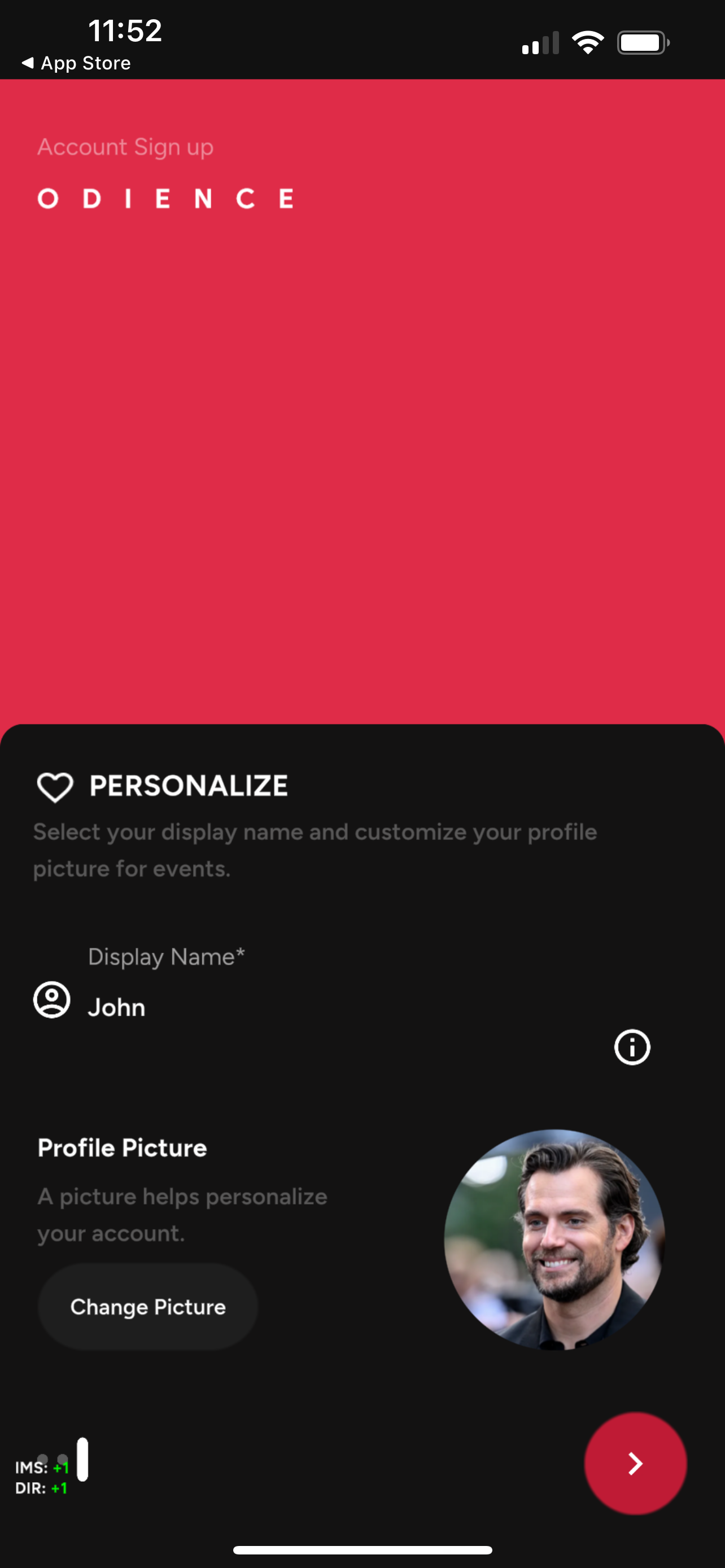
Personalize Profile
4. Personalize your profile, your Display Name and Profile Picture will be visible to other users.
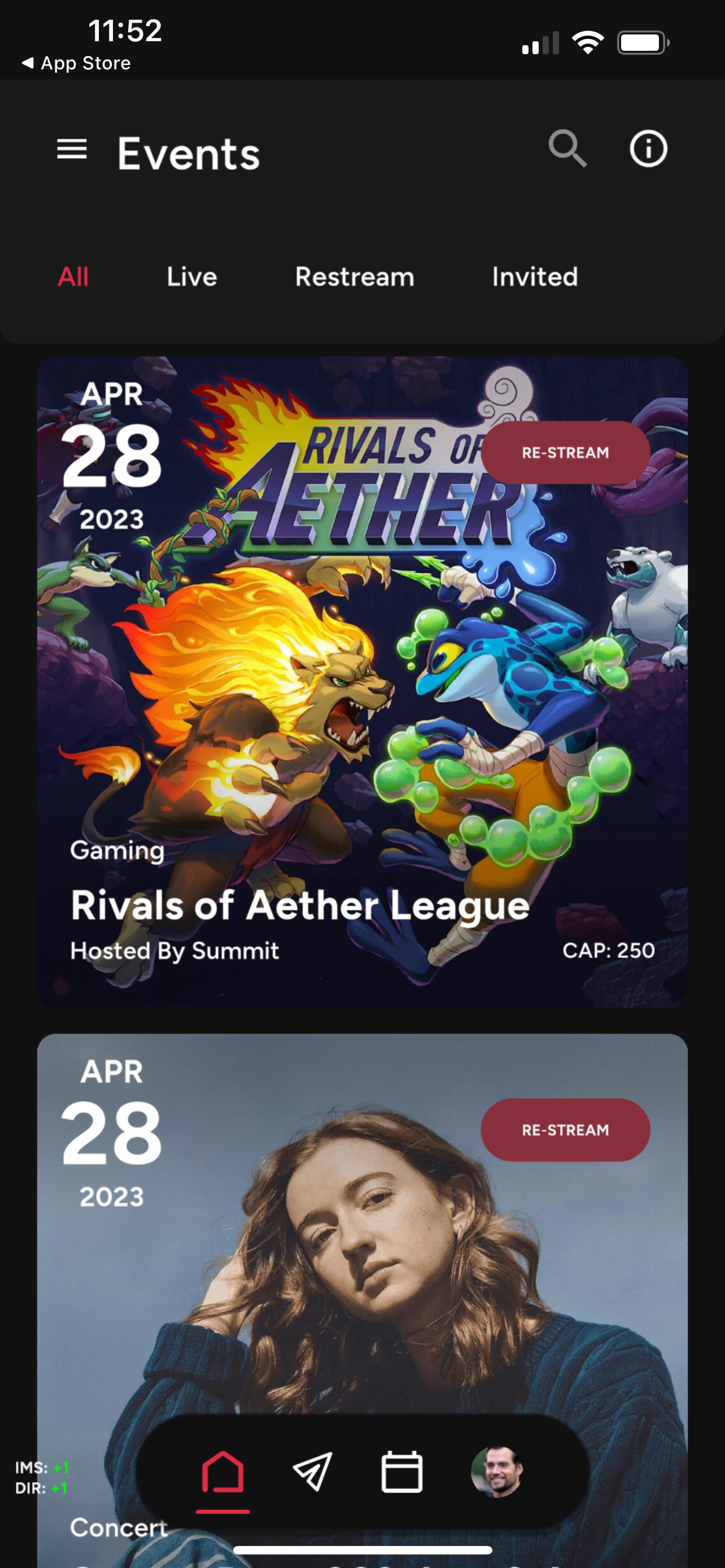
Welcome to Odience
5. You're all set! Browse the events list or Create your own Event.