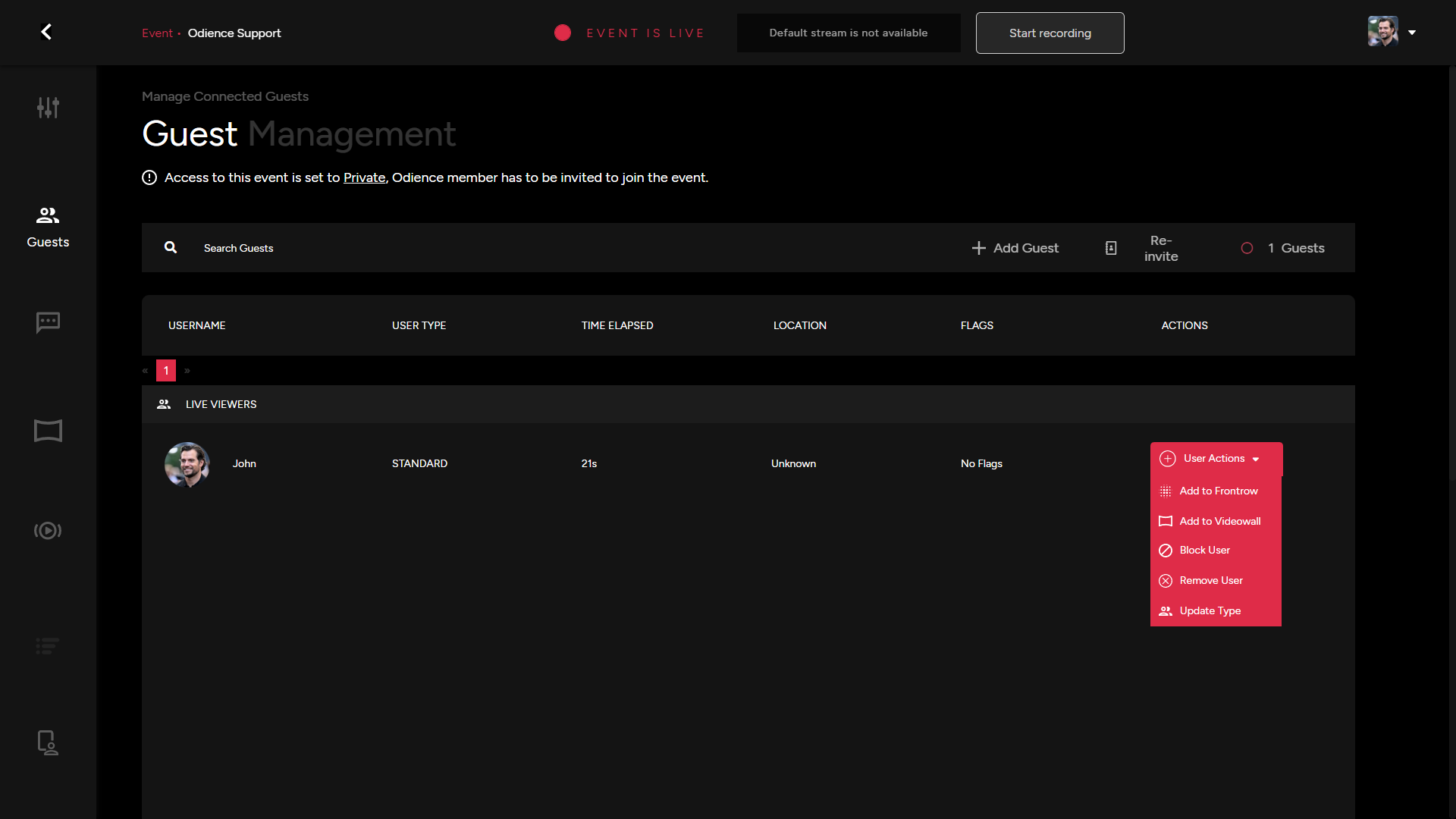
Guest Management
General
- The guest dashboard allows you to invite new guests after the event has gone live or re-invite guests who have already been invited to your event.
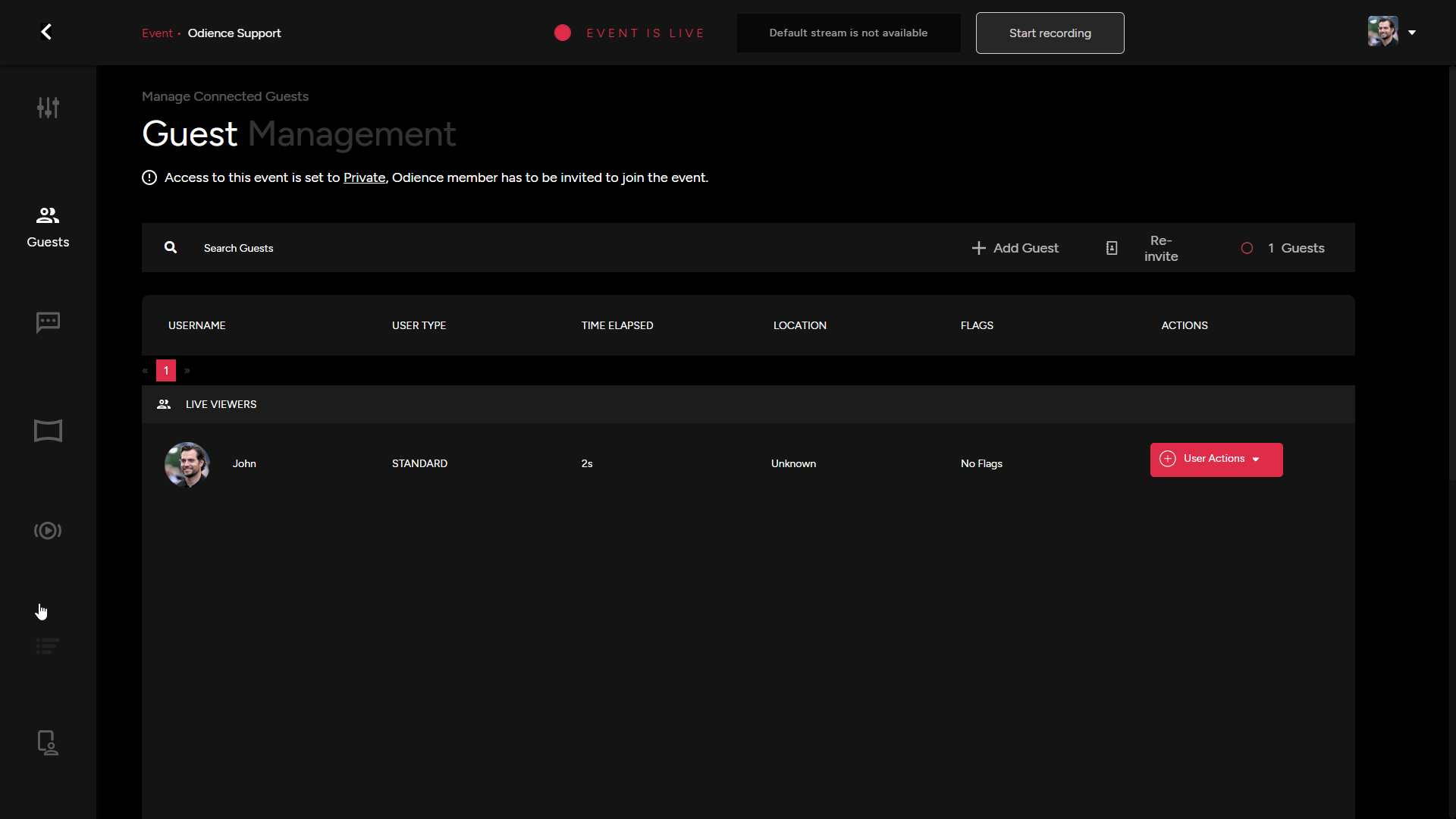
User Actions
- There are several individual actions you can utilize for individual users.
- Add user to Front Row. This will send them an invitation to join Front Row.
- Add user to Video Wall, this will send the user an invitation to be a featured guest on the Video Wall.
- Blocking a user will prevent them from engaging in the stream chat
- Removing a user will remove them from the event entirely & will therefore be blocked from rejoining.
- Updating a user type... (TBD)