
Intro
Dashboard
Manage Connected Guests, Messages, Video Walls and much more in real-time.
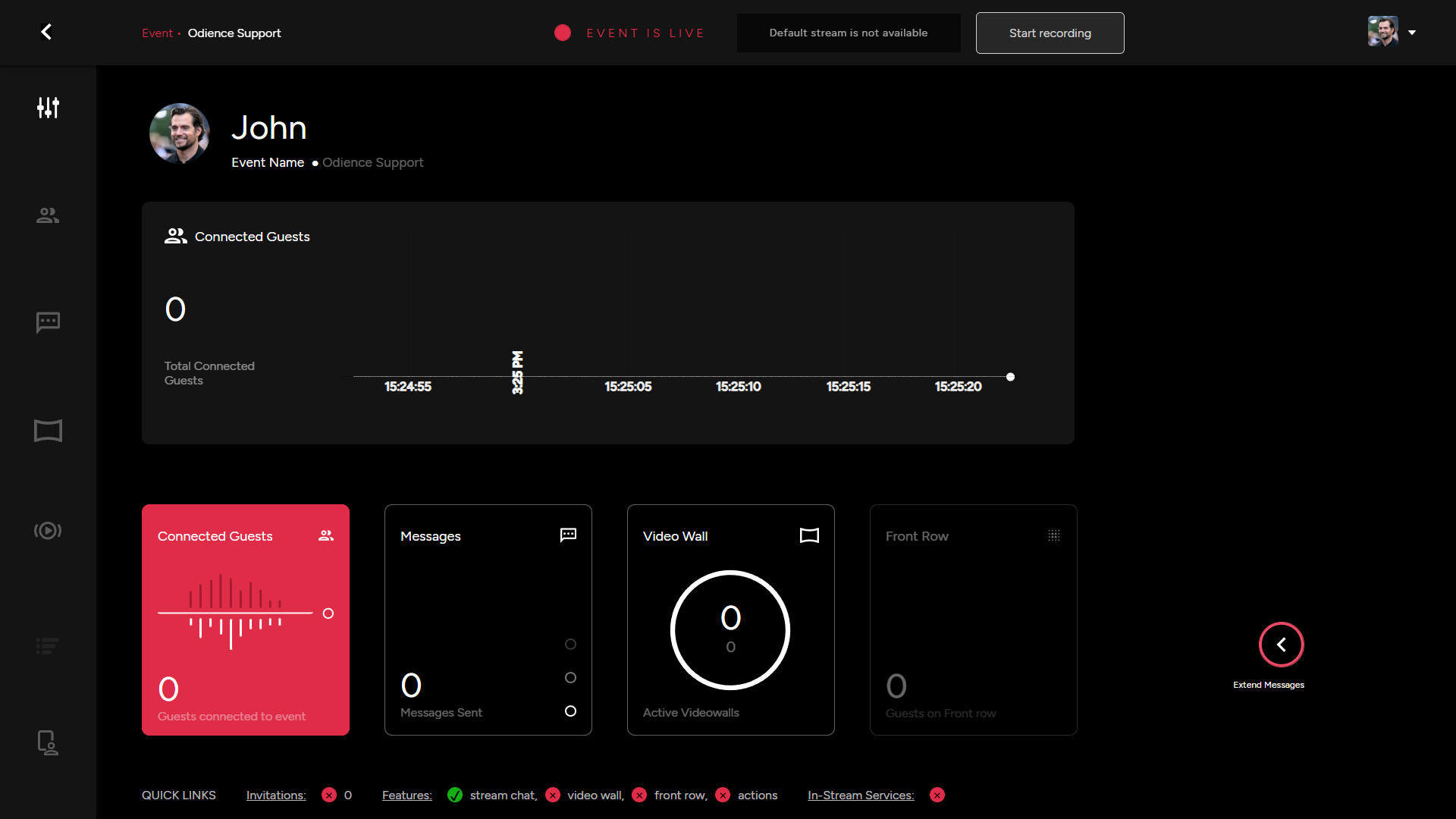
- For more details, see Dashboard guide.
Guests
Manage guests, Extend more invitations and initiate Action for specific Users.
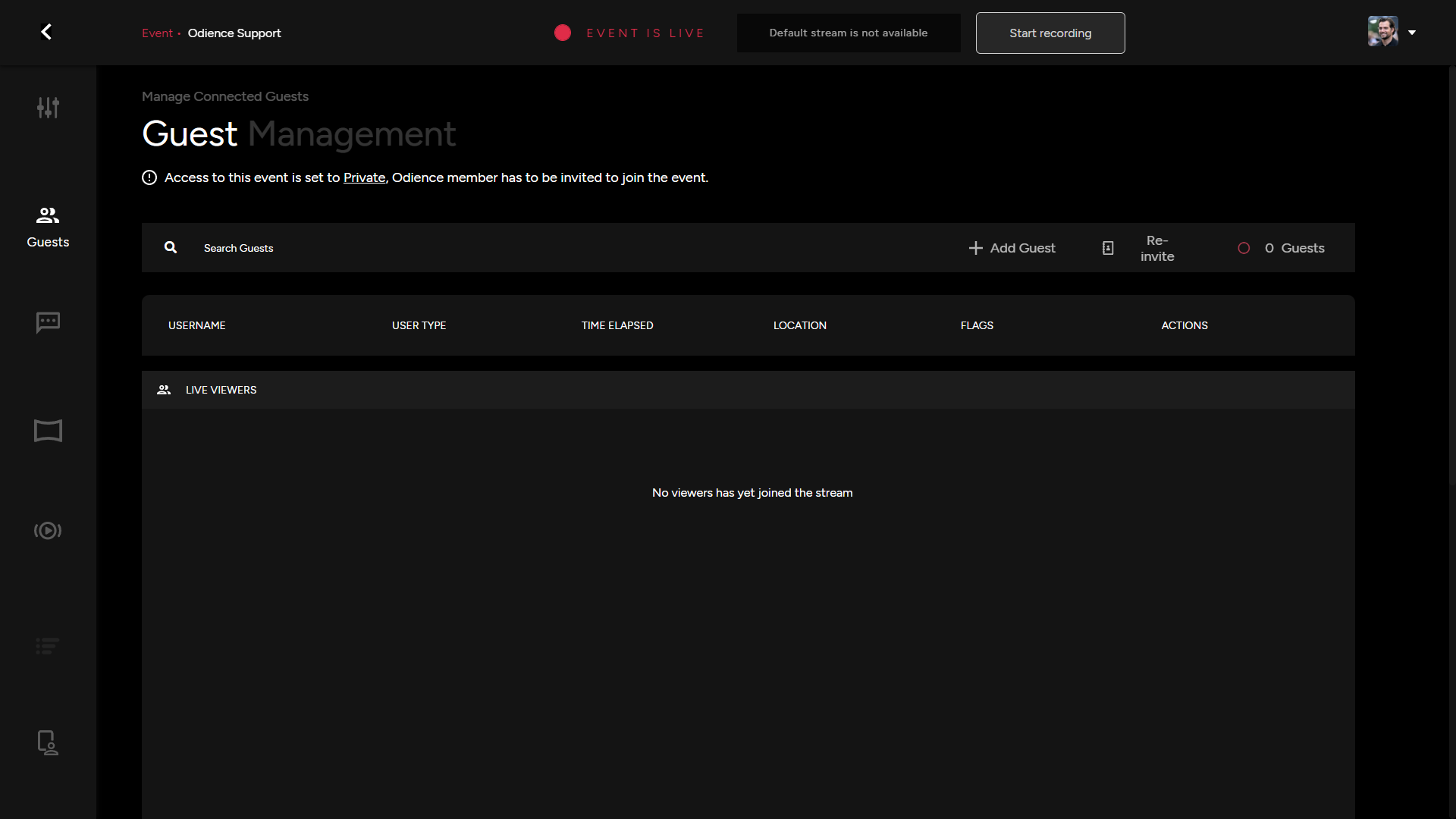
- For more details, see Guests guide.
Moderation
- Moderate Live Messages circulating the chat and manage other chat as well as user related actions.
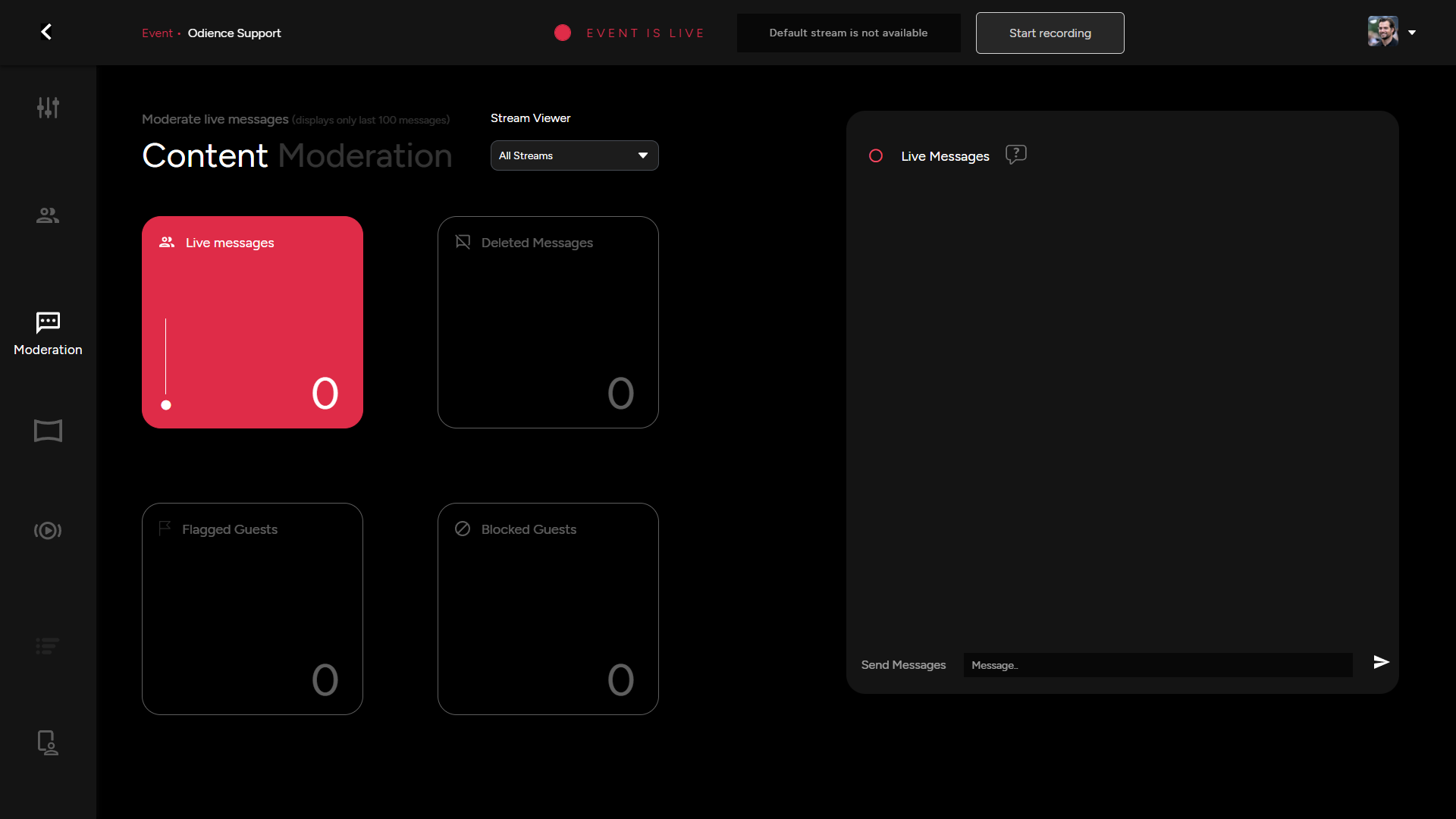
- For more details, see Moderation guide.
Video Wall
- Manage all areas of your video wall, from Spectators, Invitations, Front Row, Settings and so forth.
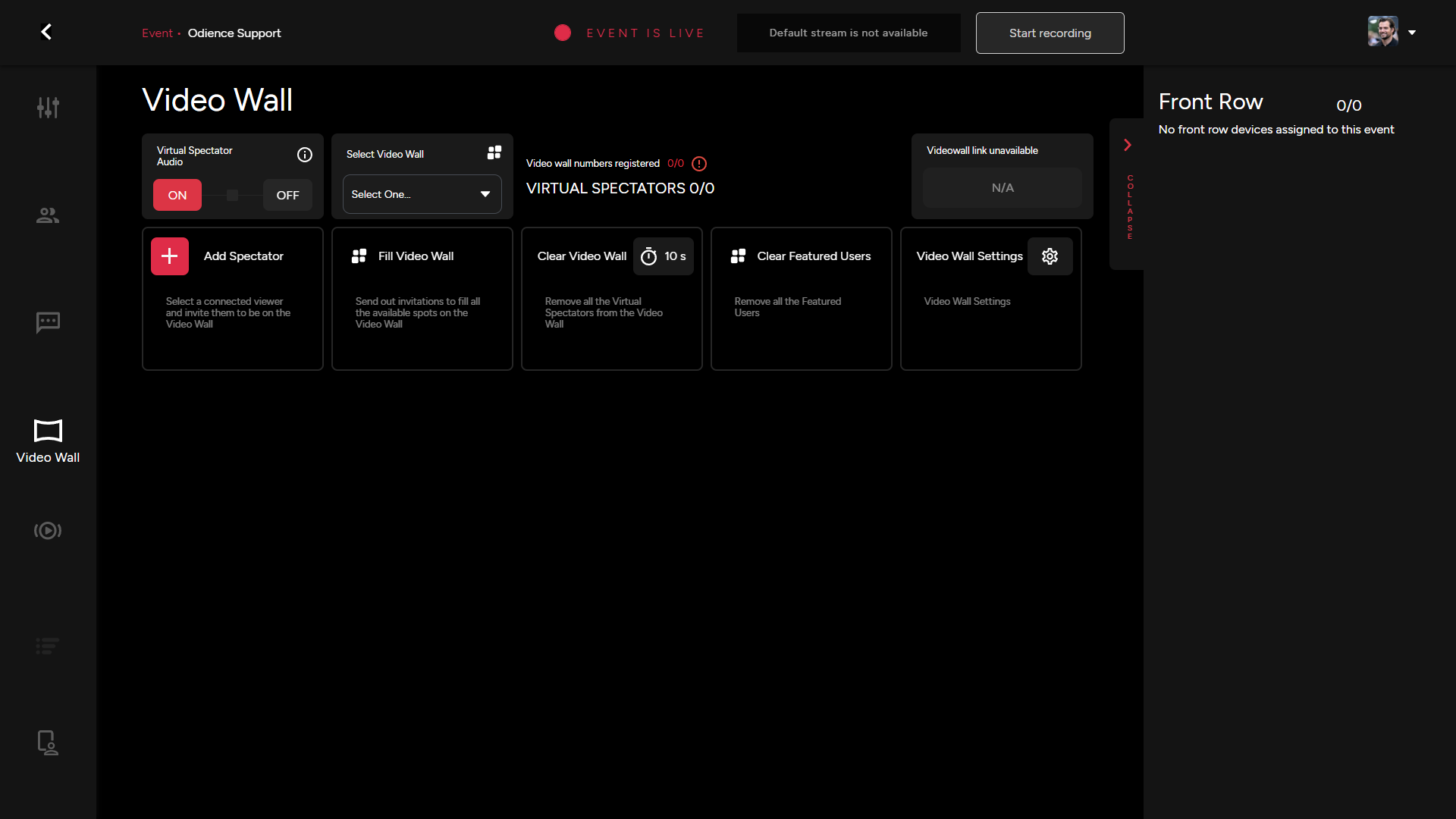
- For more details, see Video Wall guide.
Control Room
- Enable Live Switching to allow users access to switch between different streams within your event.
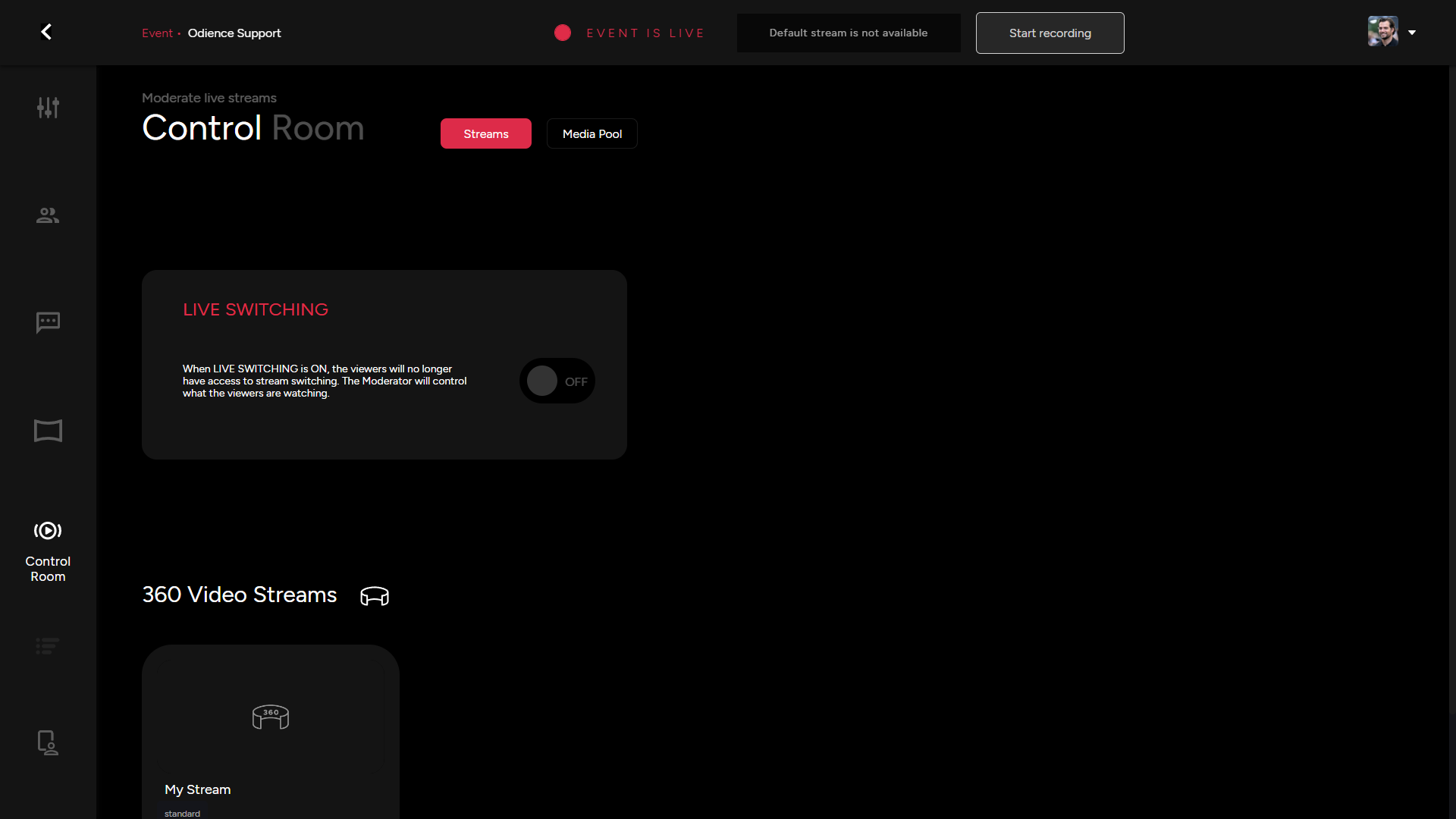
- For more details, see Control Room guide.
Media Pool
- Manage event and video wall content from your media control hub. Add new content or modify how it appears in your live event.
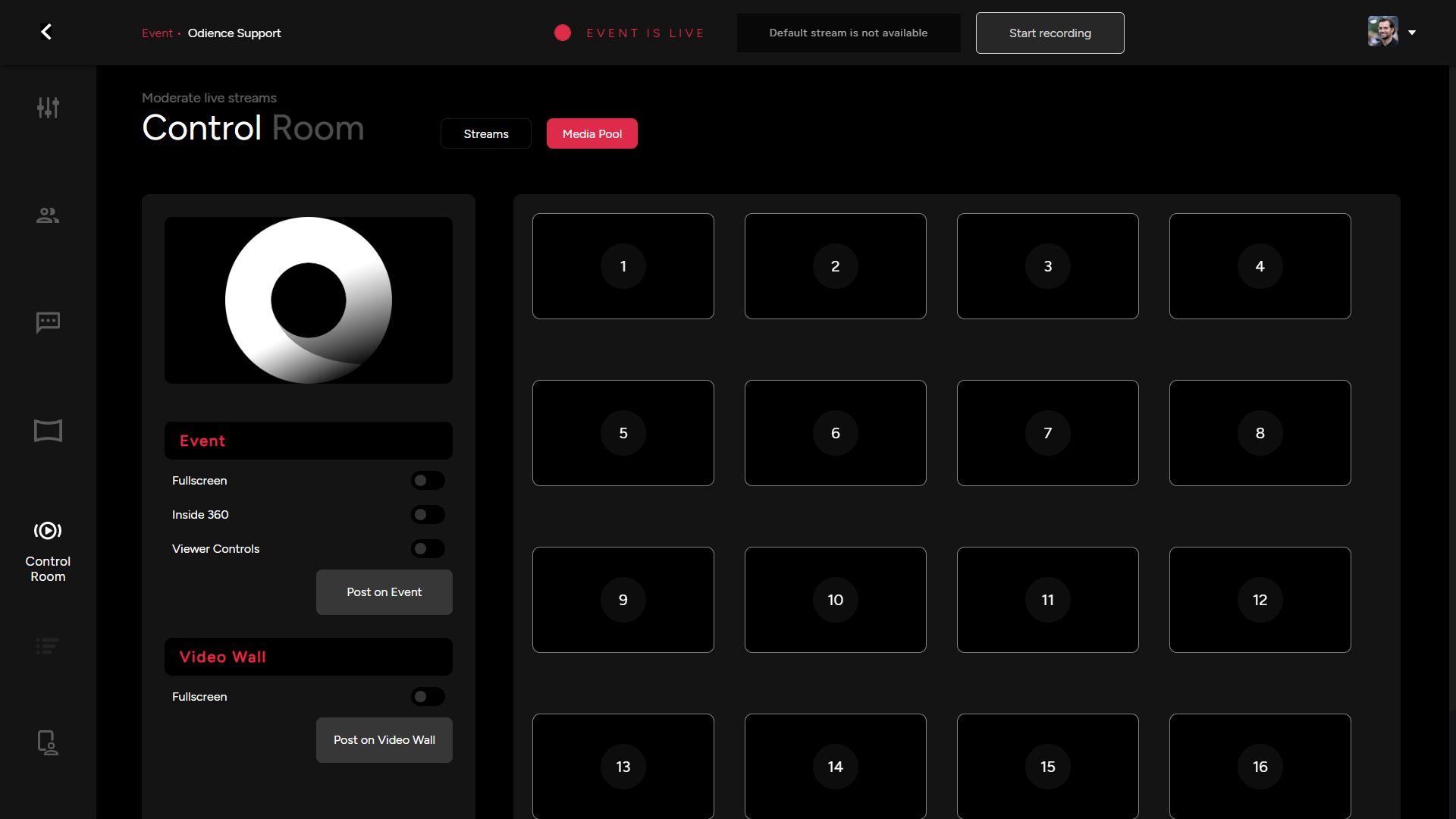
- For more details, see Control Room guide.
Poll Bot
- Start & End Poll, the results will be displayed here.
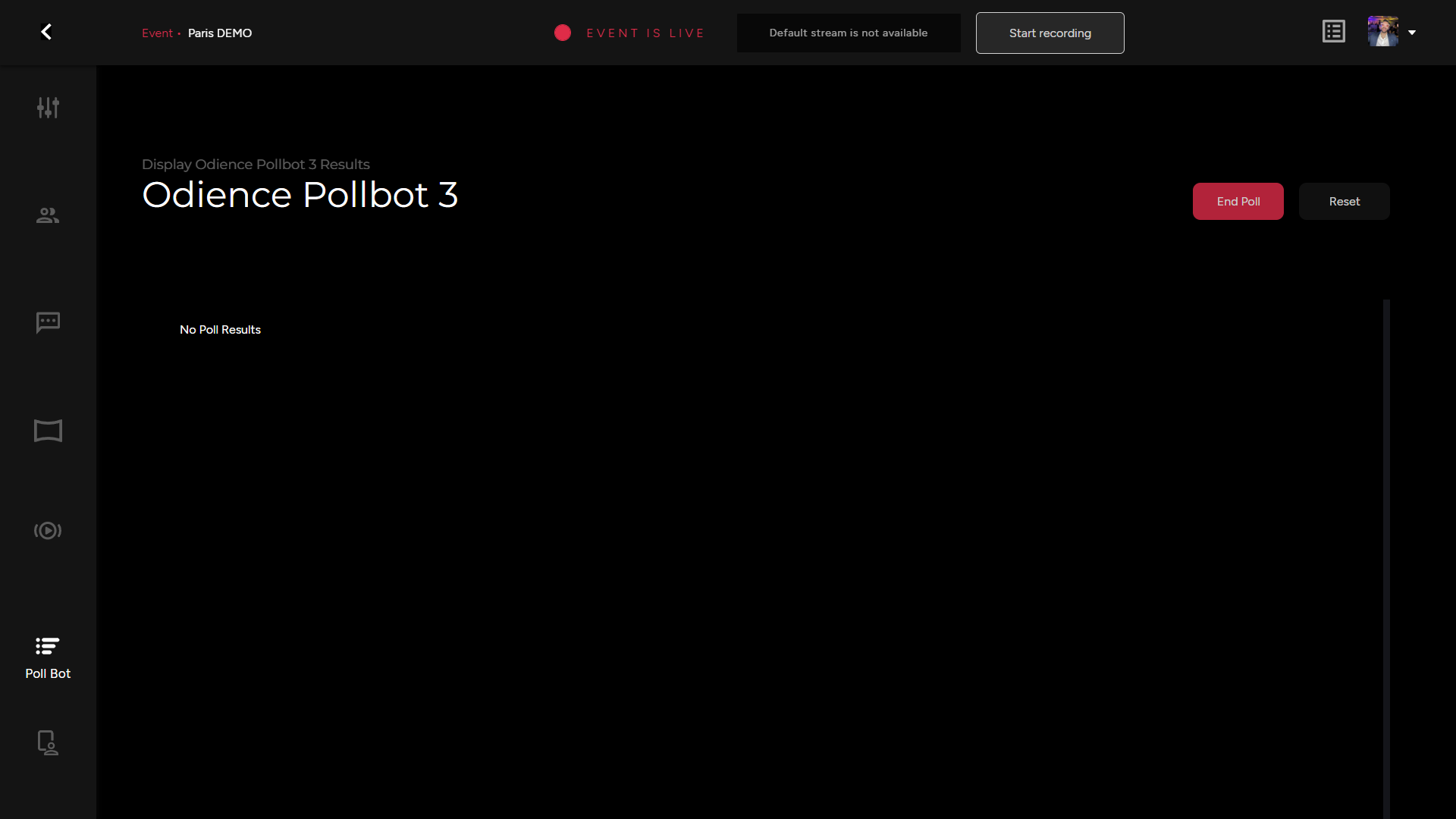
- For more details, see Poll Bot guide.
Presenter
- Access all presenter controls from your Moderation Dashboard. This is also where you can set-up a host tablet to manage the event.
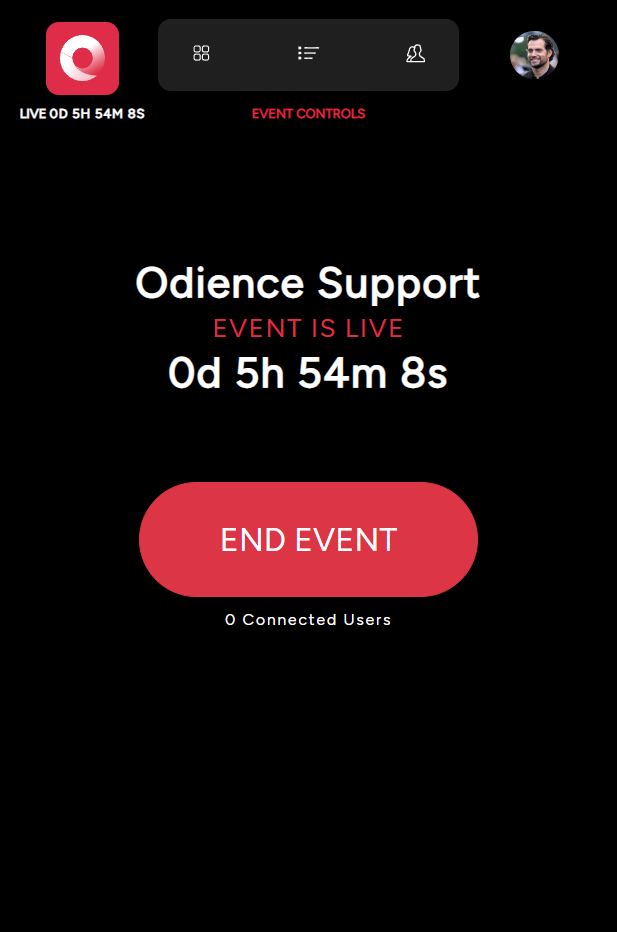
- For more details, see Presenter guide.