
Actionable Items
Create QR Codes Interactions
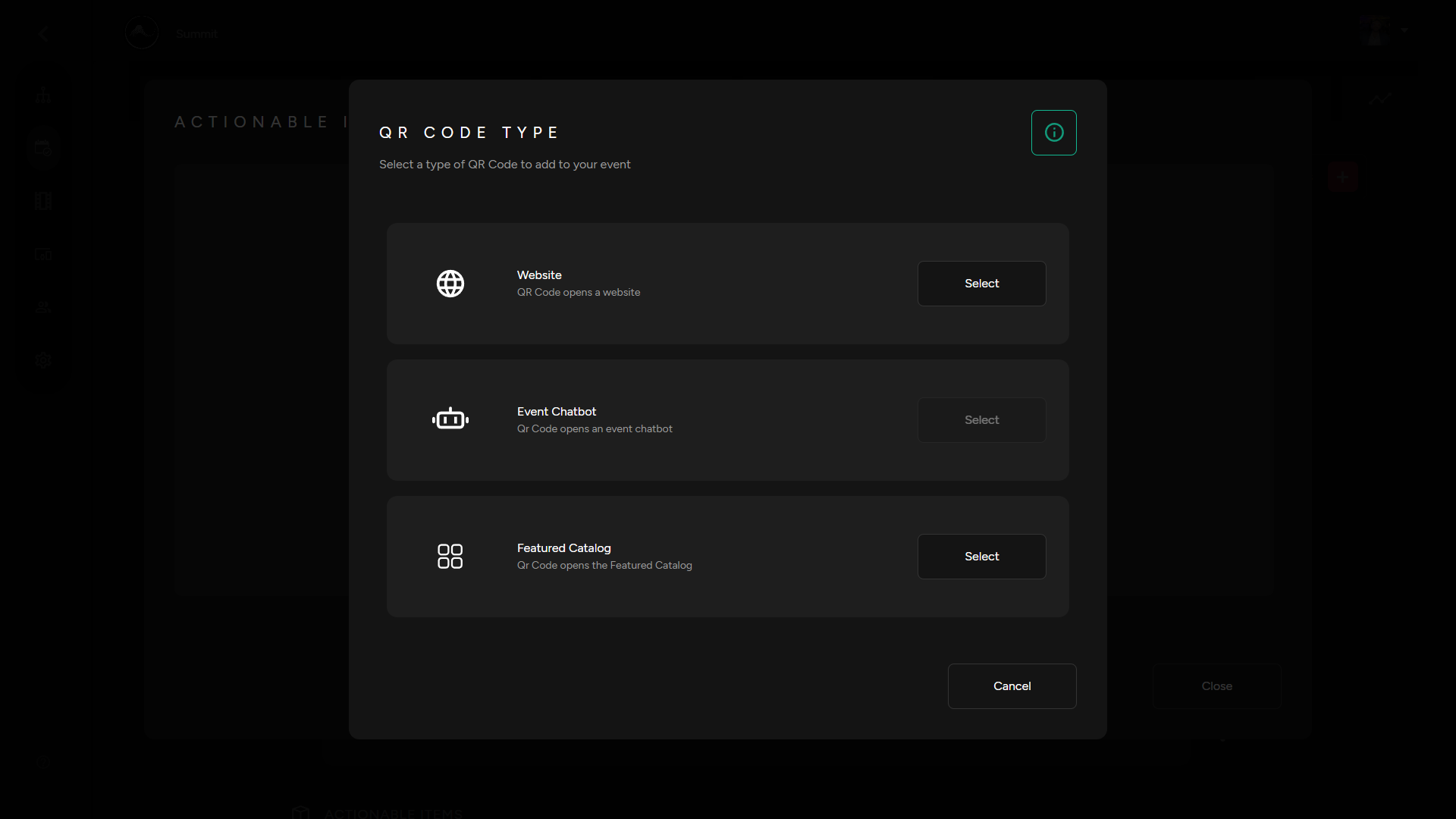
1. Select "Actionable Items" in your Micro Services drop down. Then Select the QR code type you would like to generate from the three options below.
- QR Code that opens a website
- QR code that opens up an Event Chatbot. See our guide on to create your own Event Chatbots.
- Connect a QR code to a Feature Catalog. See our guide on how to create your own Featured Catalog.
Add QR Code Tablets
1. From your instream services section, scroll to “Actionable Items” then click the QR code icon corresponding to the item you want to set-up a QR code for.
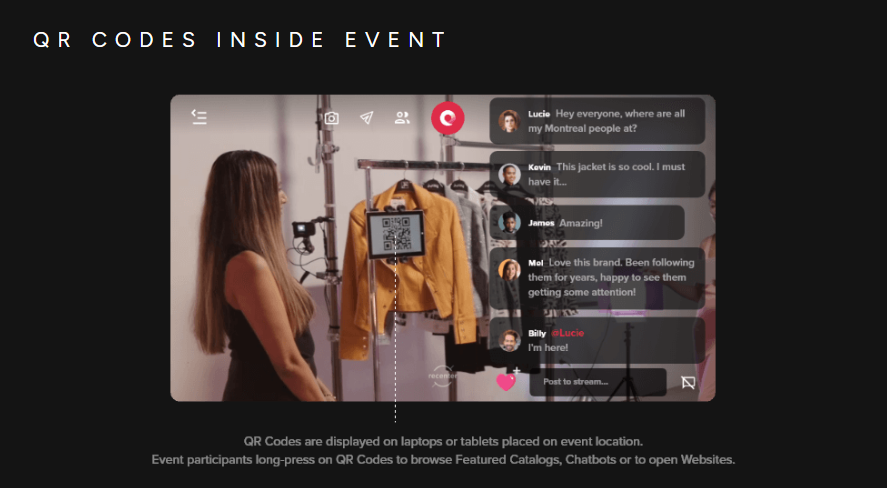
2. You will now have the QR code open in its own tab, ready to be used and placed within your event environment for viewers to interact with.